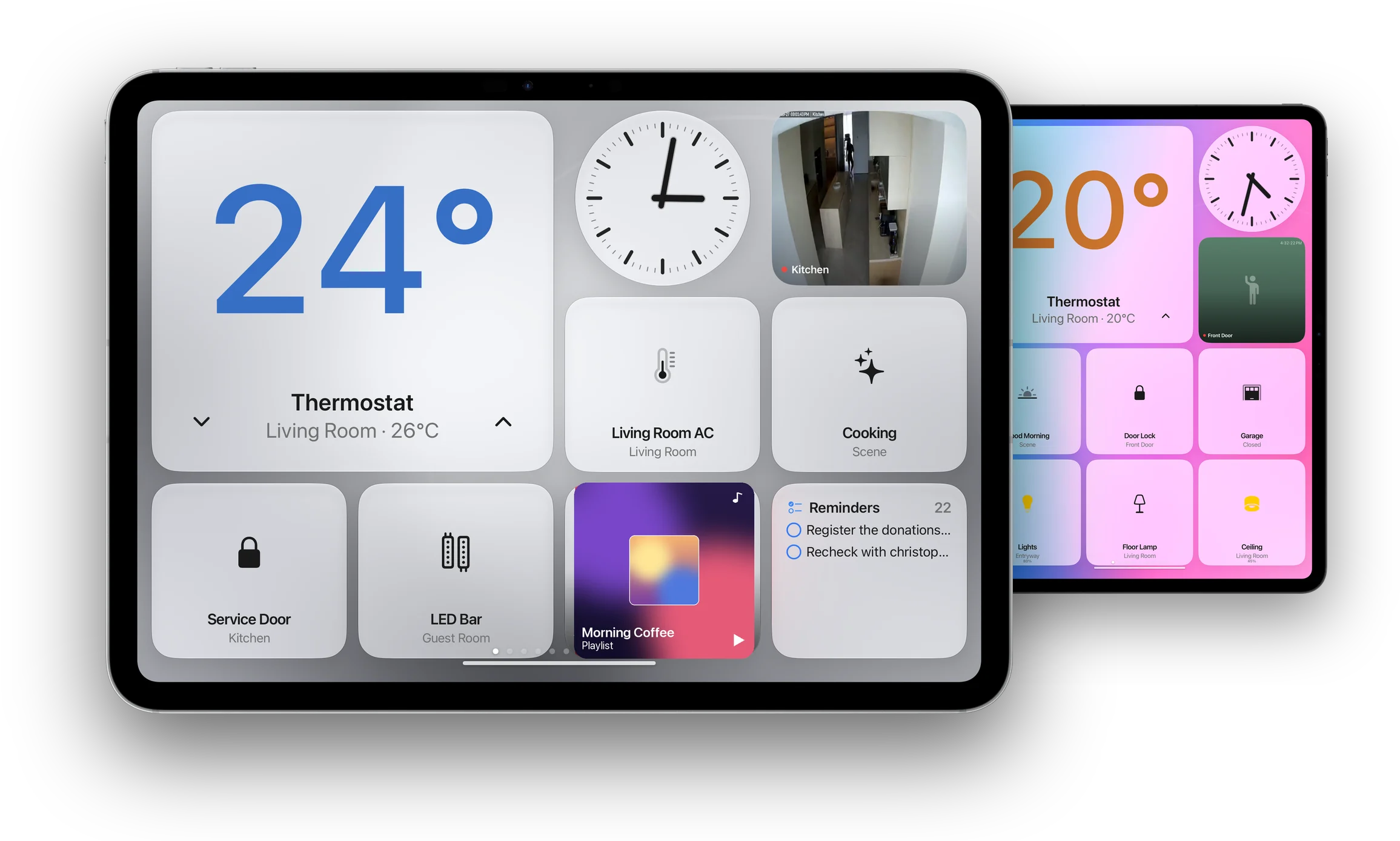
Welcome, WallGlass.
Your iPad. Now the heart of your home. One dashboard for every light, lock, thermostat and camera, always on the wall.
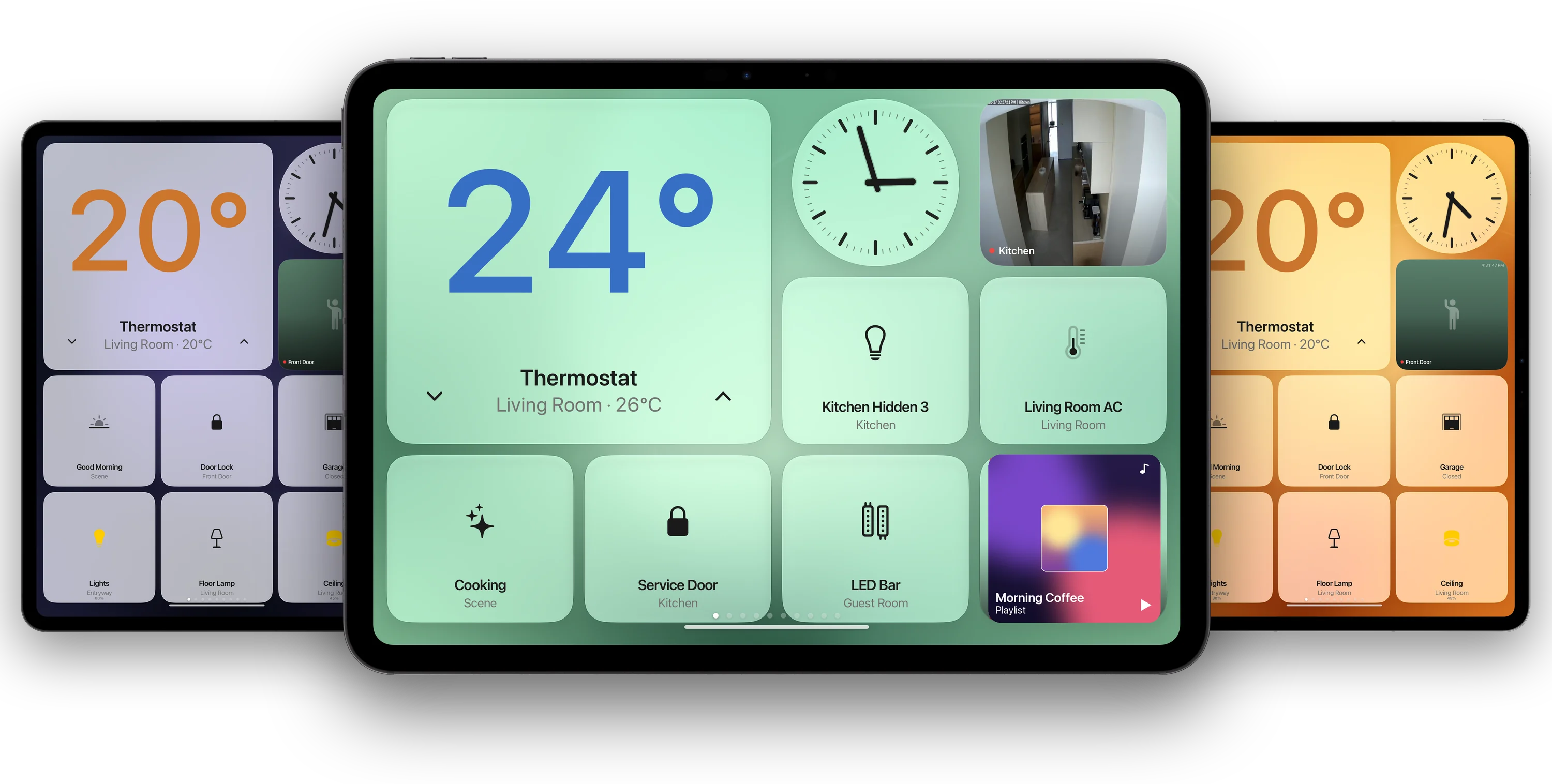
The new heart of your home.
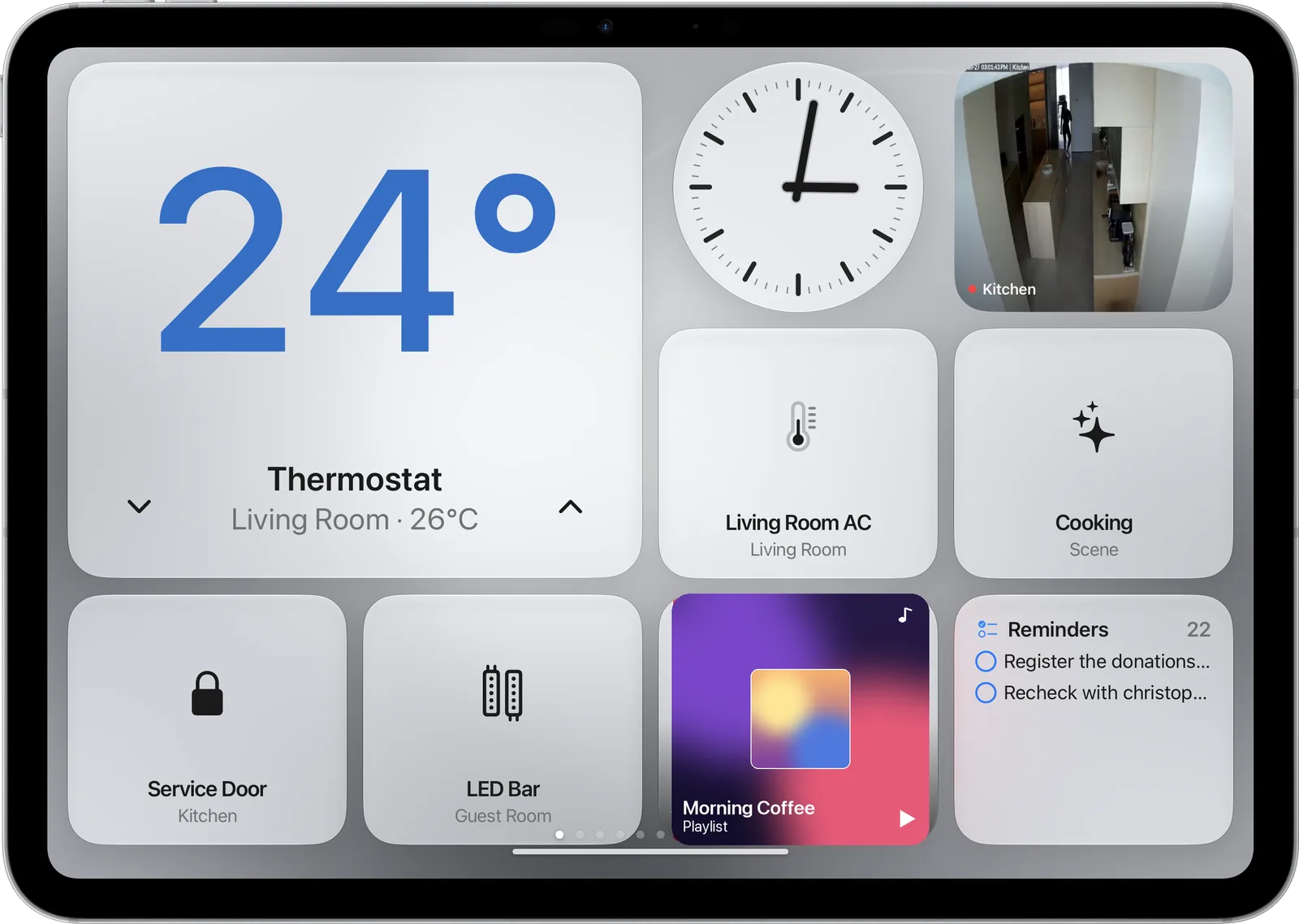
Built from the iPad you already own. Hang it in the kitchen, the hallway or by the bed, and it stays awake, dims at night and shows what matters.
The Home dashboard
Make it yours.
The dashboard is the heart of WallGlass. Choose its colour, pick the tiles, size them the way you like. Long-press and everything wiggles.
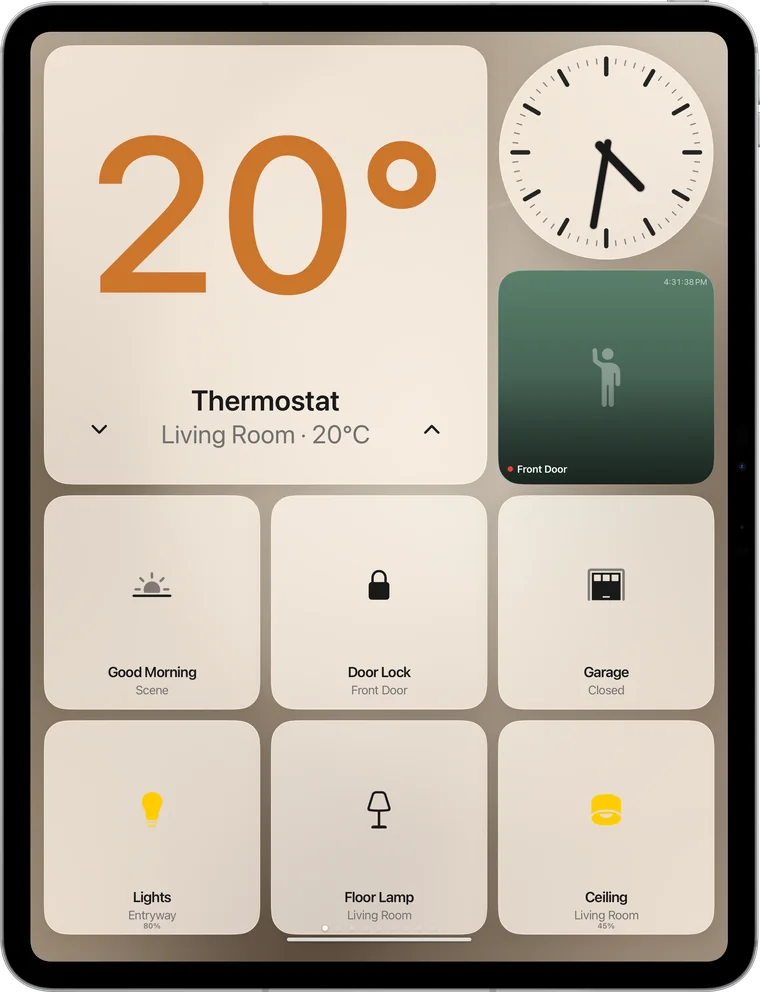
Natural 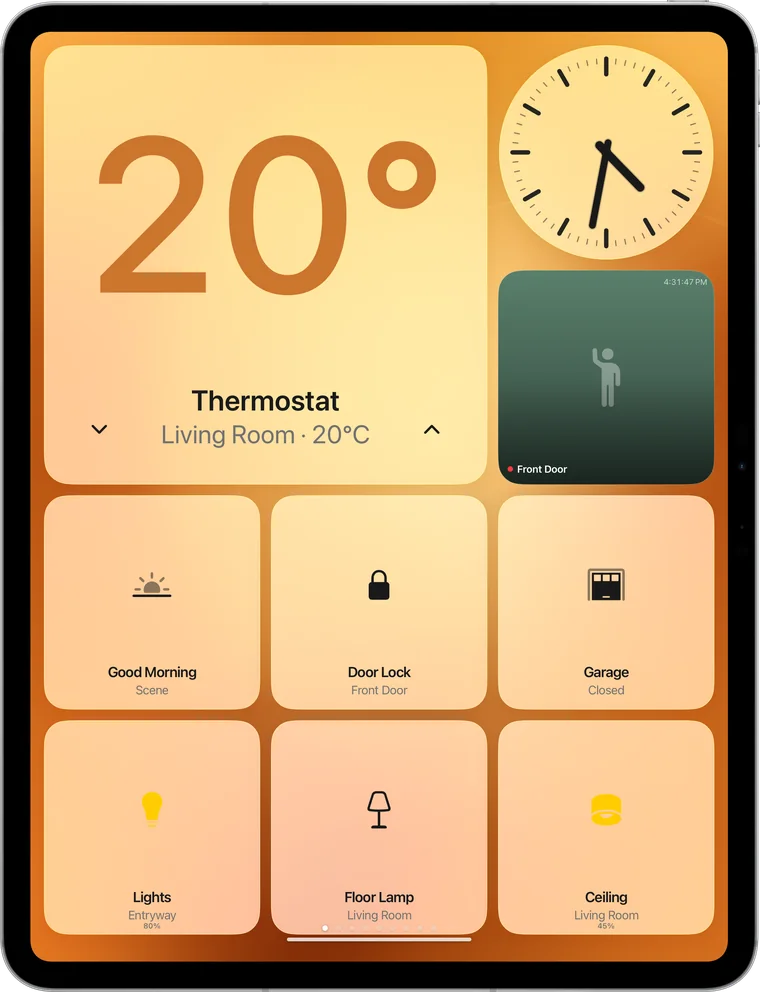
Amber 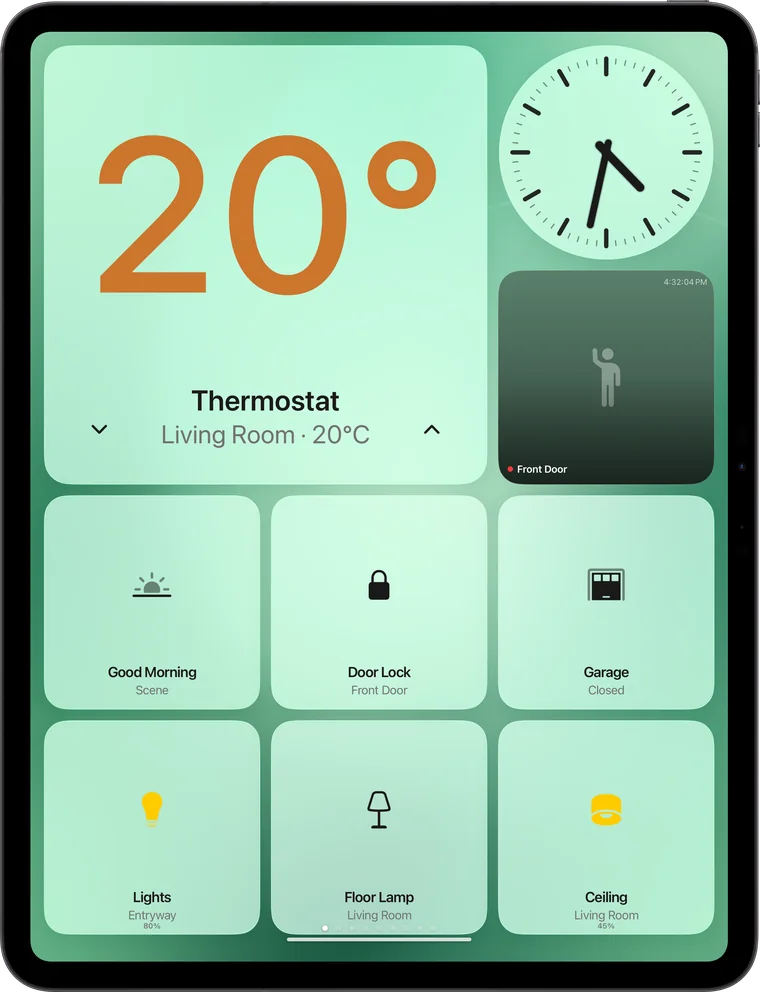
Sage 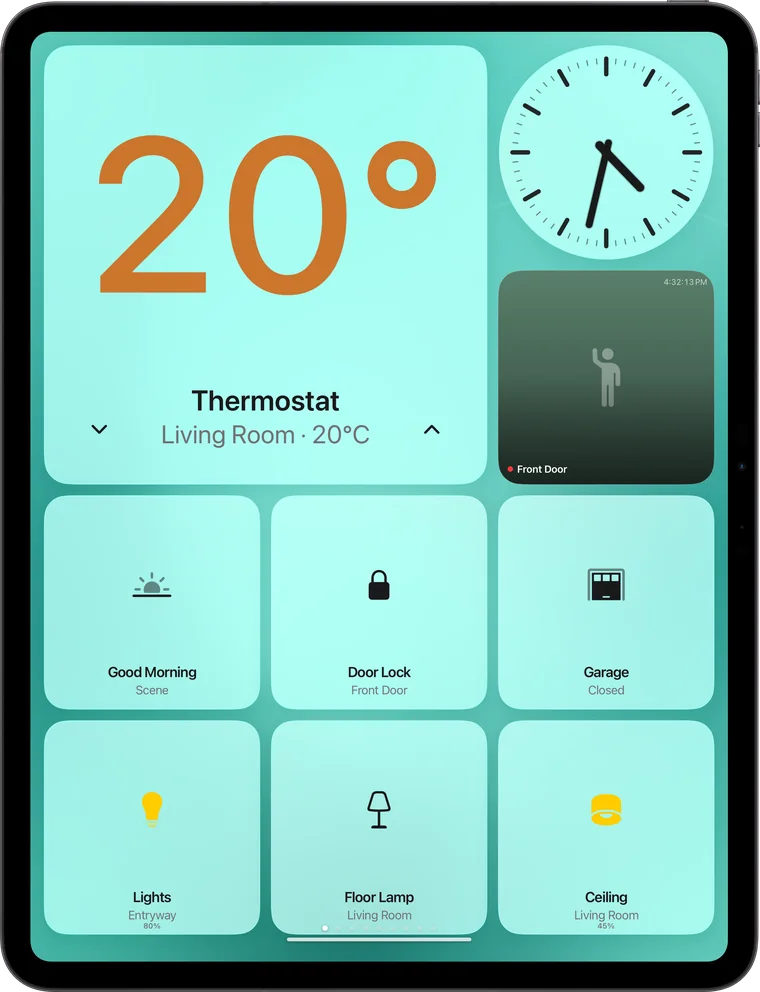
Teal 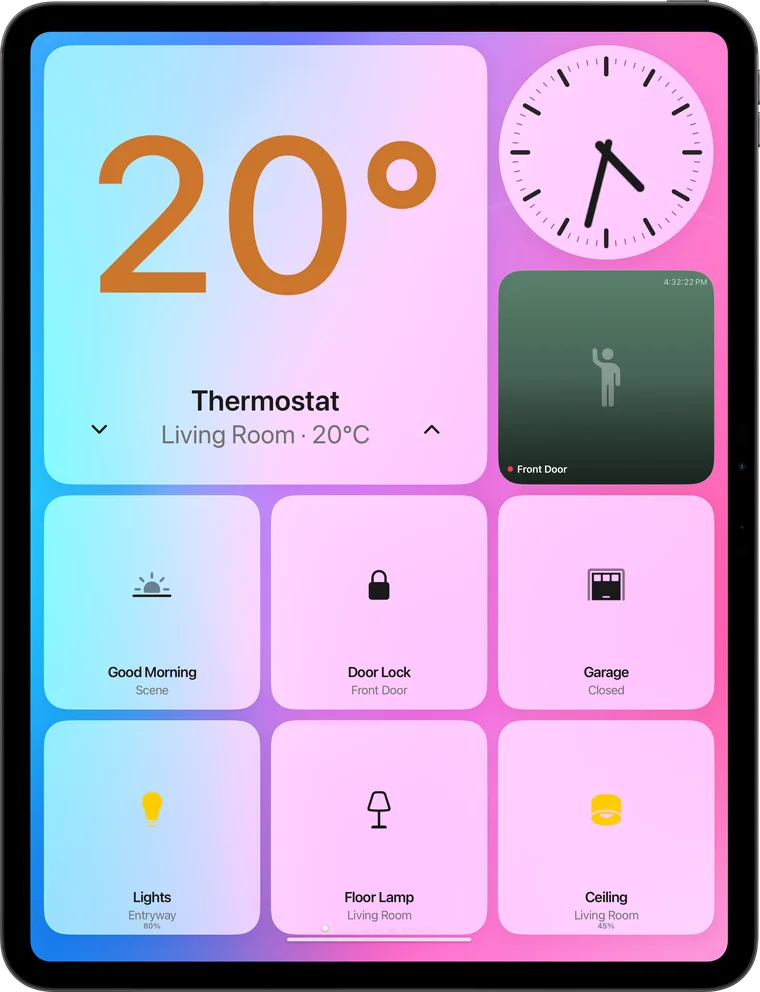
Candy 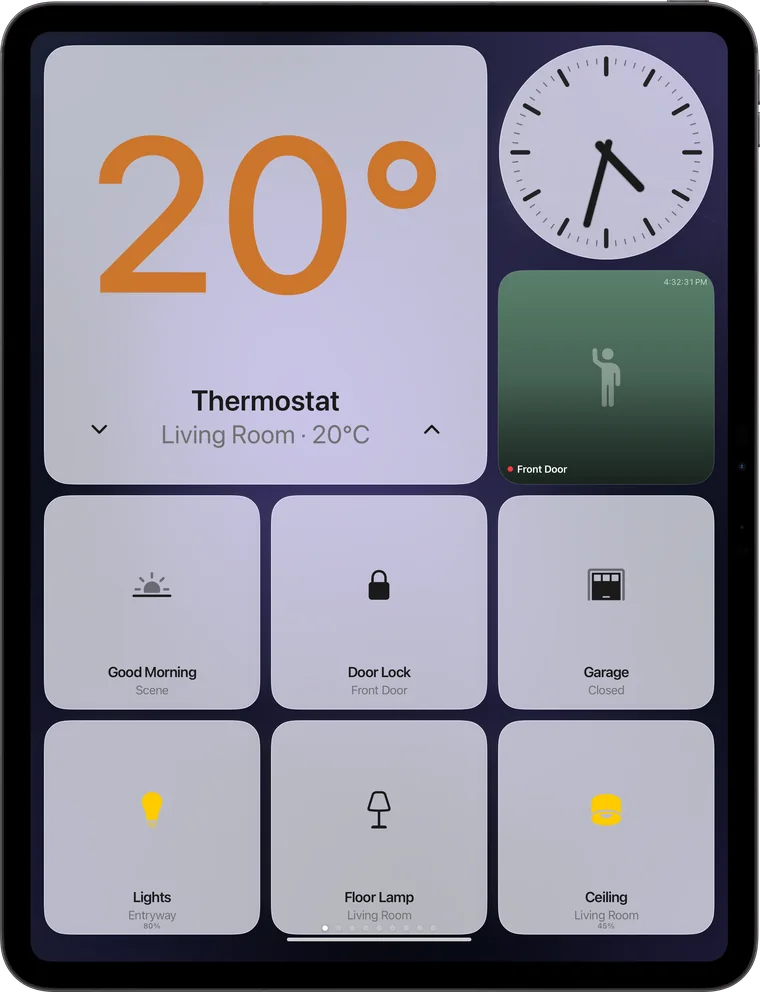
Midnight
Any wallpaper
Seven gradients, any colour, your own photos or a whole album that cycles.
Any tiles
Thermostat, lights, locks, scenes, cameras, reminders, music, batteries, news and more.
Any size
Small, wide or large tiles on a grid that re-flows in portrait and landscape.
Any room
Pin what matters in that room. The kitchen sees the oven timer, the hallway sees the door.
HomeKit
Everything connected and under one roof.
Every HomeKit accessory on a glass dashboard. Tap to control, long-press to rearrange.
Climate
Set the thermostat with a tap. See the room temperature at a glance.
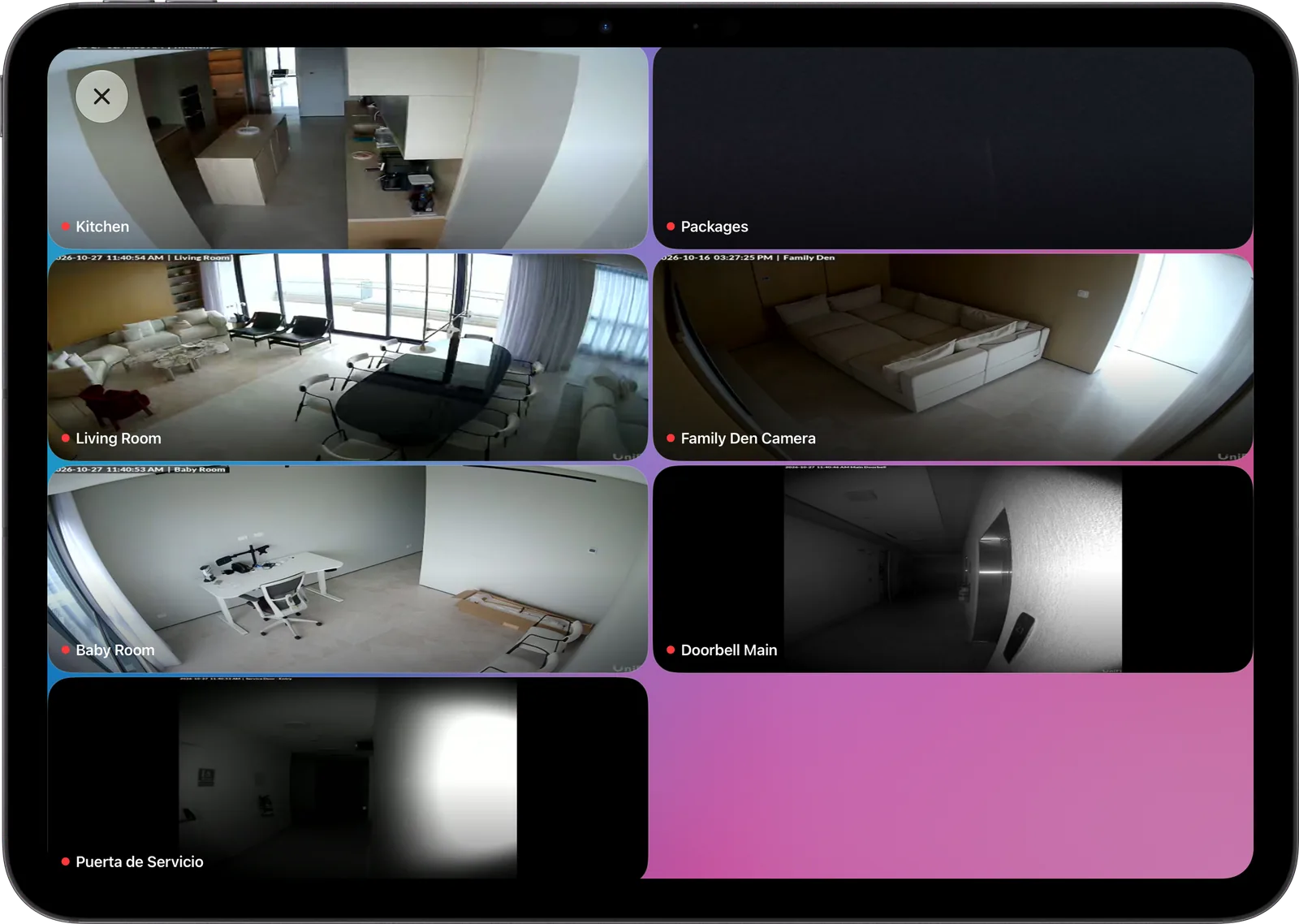
Cameras and doorbell
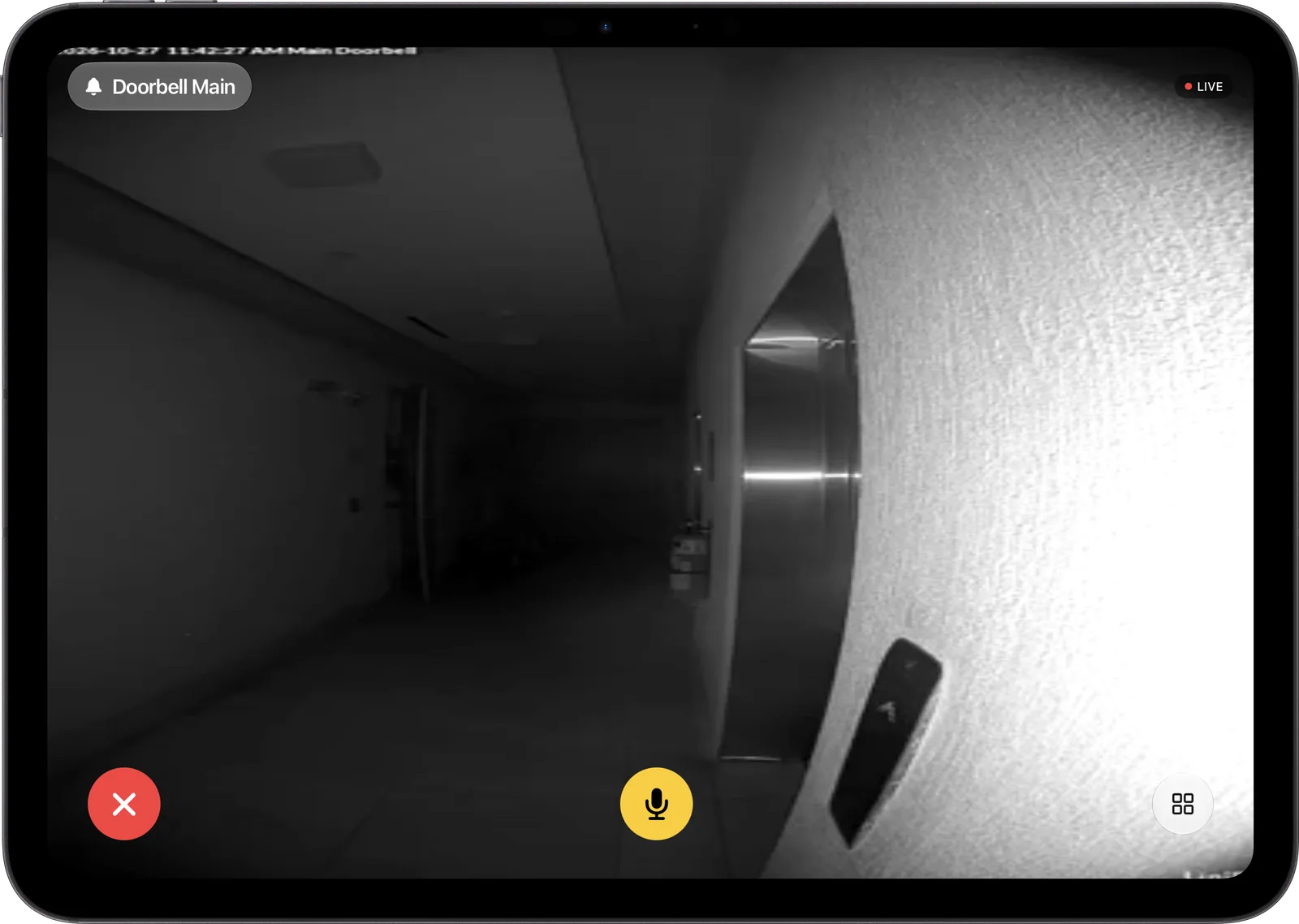
Live tiles, and a full-screen pop-up when someone rings.
Scenes and locks
One tap for Good Night, Leaving or Movie Time. Lock the door on the way out.
Every camera. And whoever is at the door.
A live grid of your HomeKit cameras. When the doorbell rings, the feed takes over the screen.
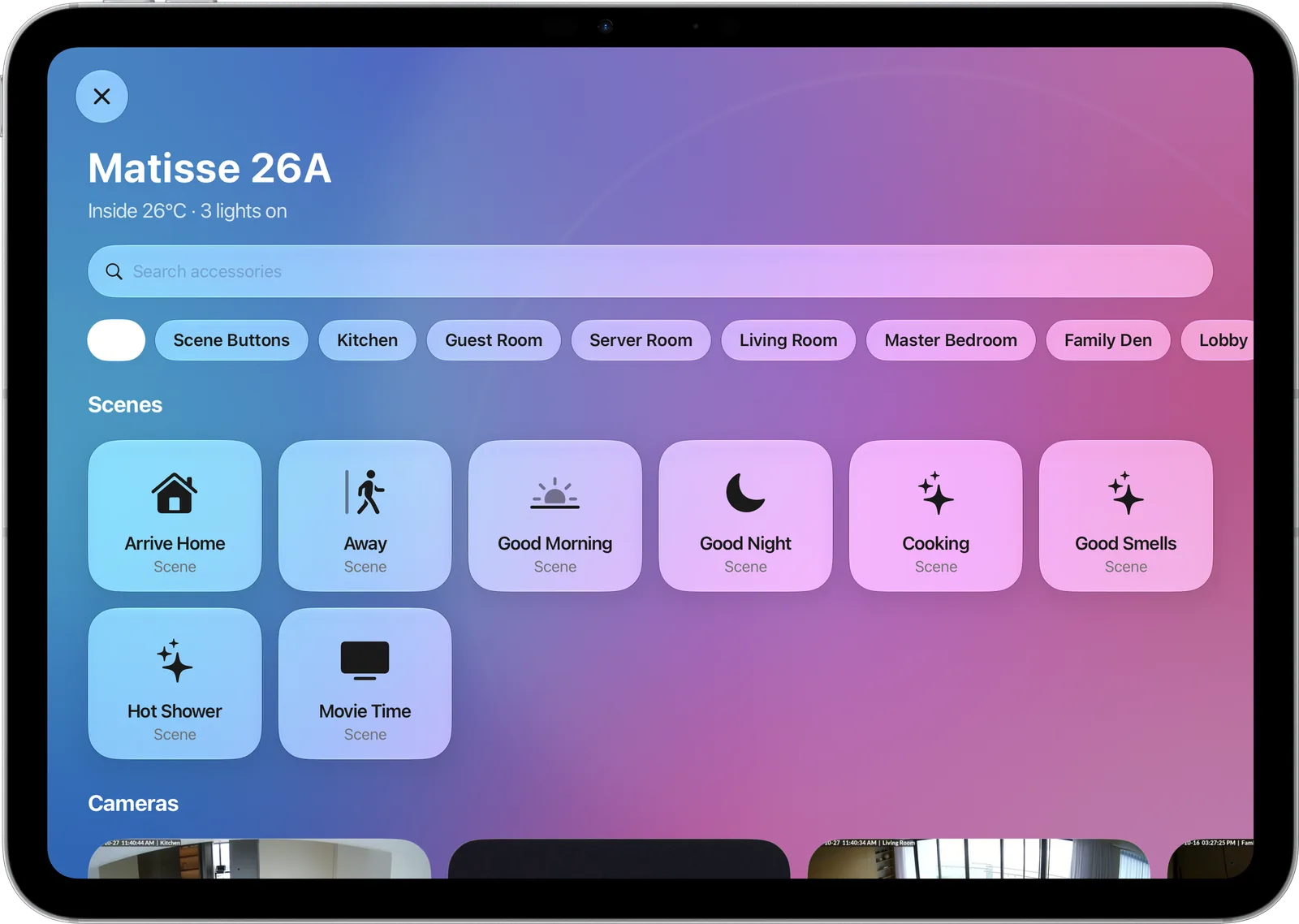
Your whole home, searchable.
Scenes first, then every room. Type to find an accessory, tap to toggle it, pin favourites to the dashboard.
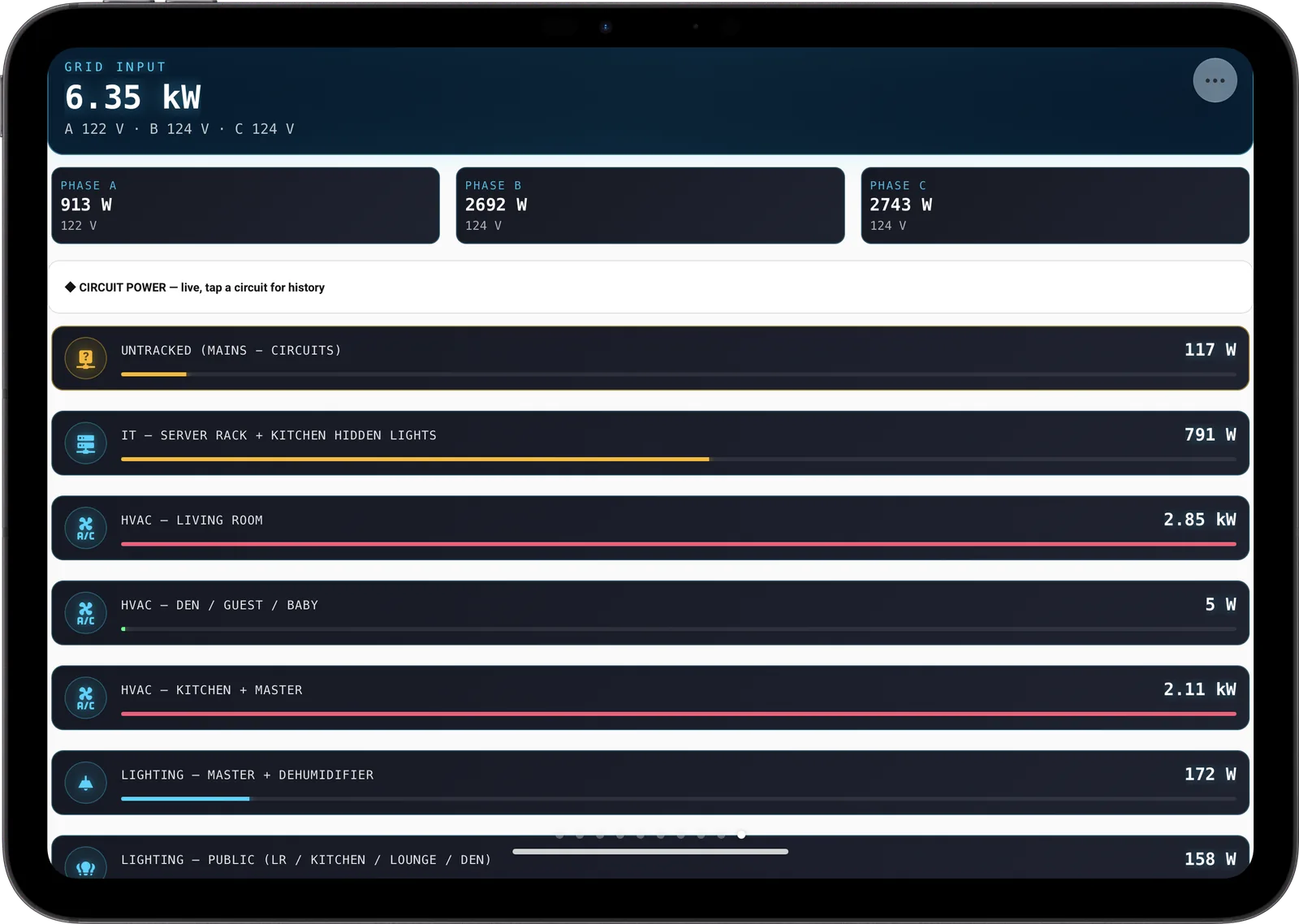
Home Assistant
Any dashboard. Full screen.
Sign in once and add up to three Home Assistant dashboards as faces. The sidebar and header are hidden, so your cards fill the whole display.
Local or remote
Find your server on the network, or use your remote URL. Self-signed certificates are supported.
Your token stays on the iPad
The long-lived access token is stored in the Keychain and sent only to your server.
Pick the view
Choose the dashboard and the tab. Swipe sideways to reach your other faces.
And when nothing needs controlling
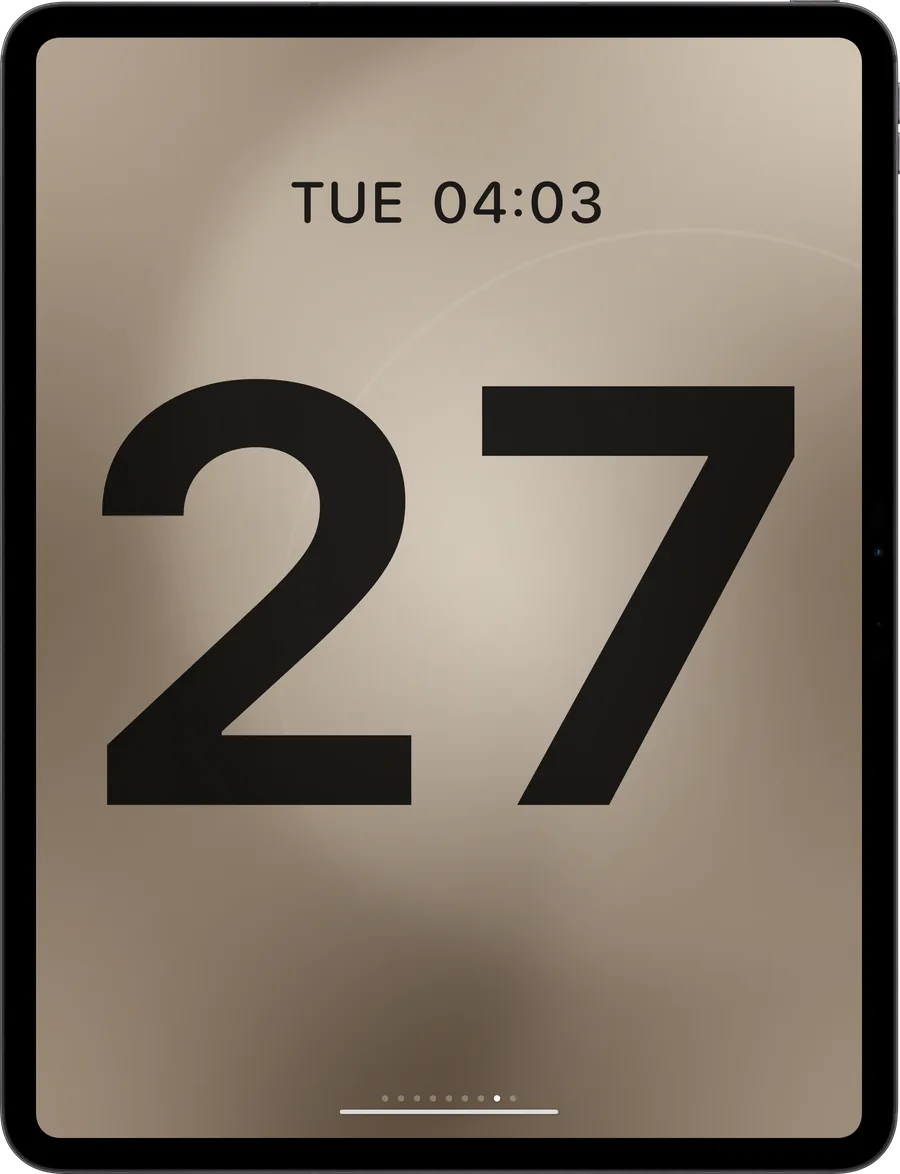
A clock face for every room.
Seven bonus faces plus your own photos and albums. Swipe sideways from the dashboard; change them with a long press.
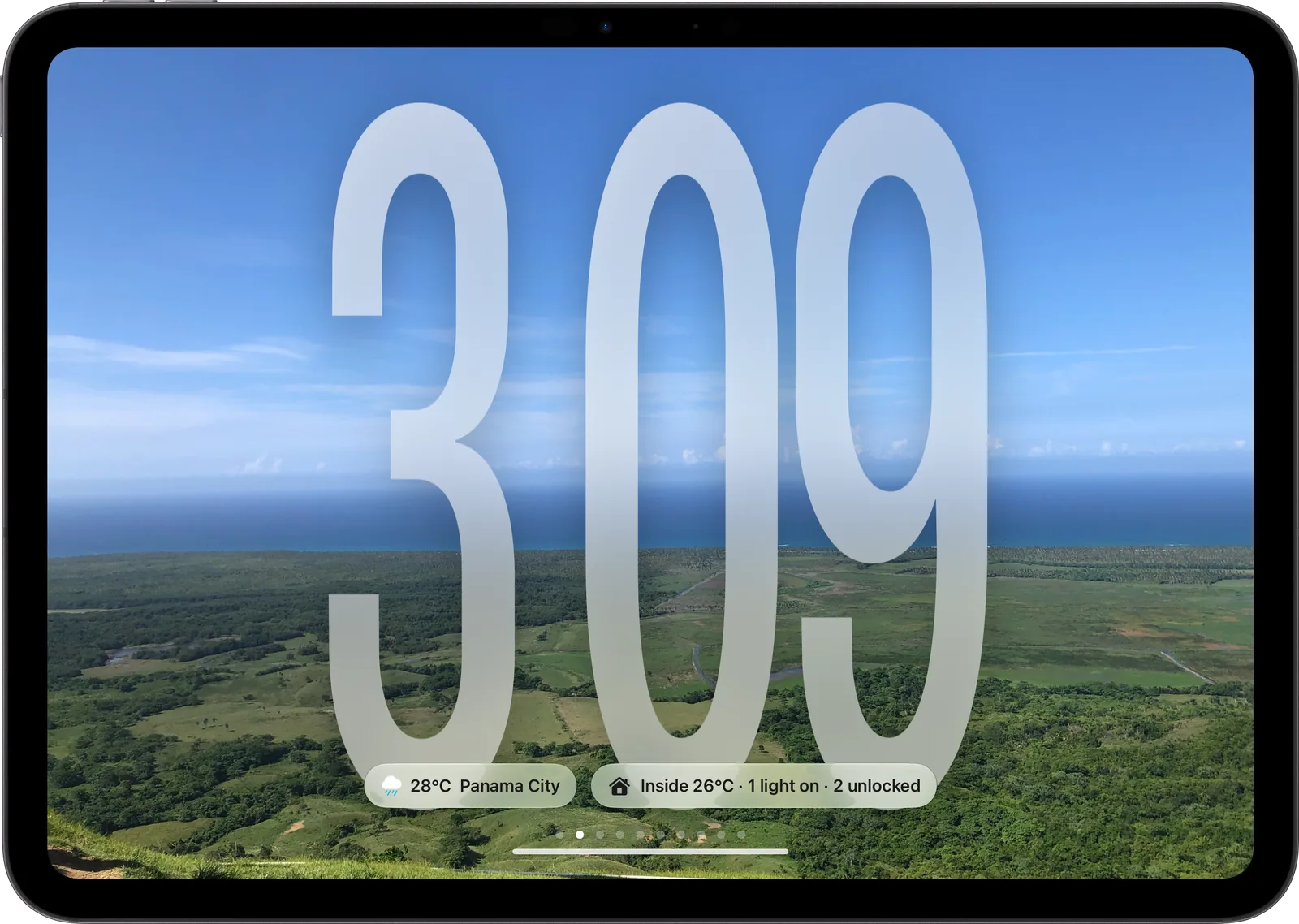
Glass
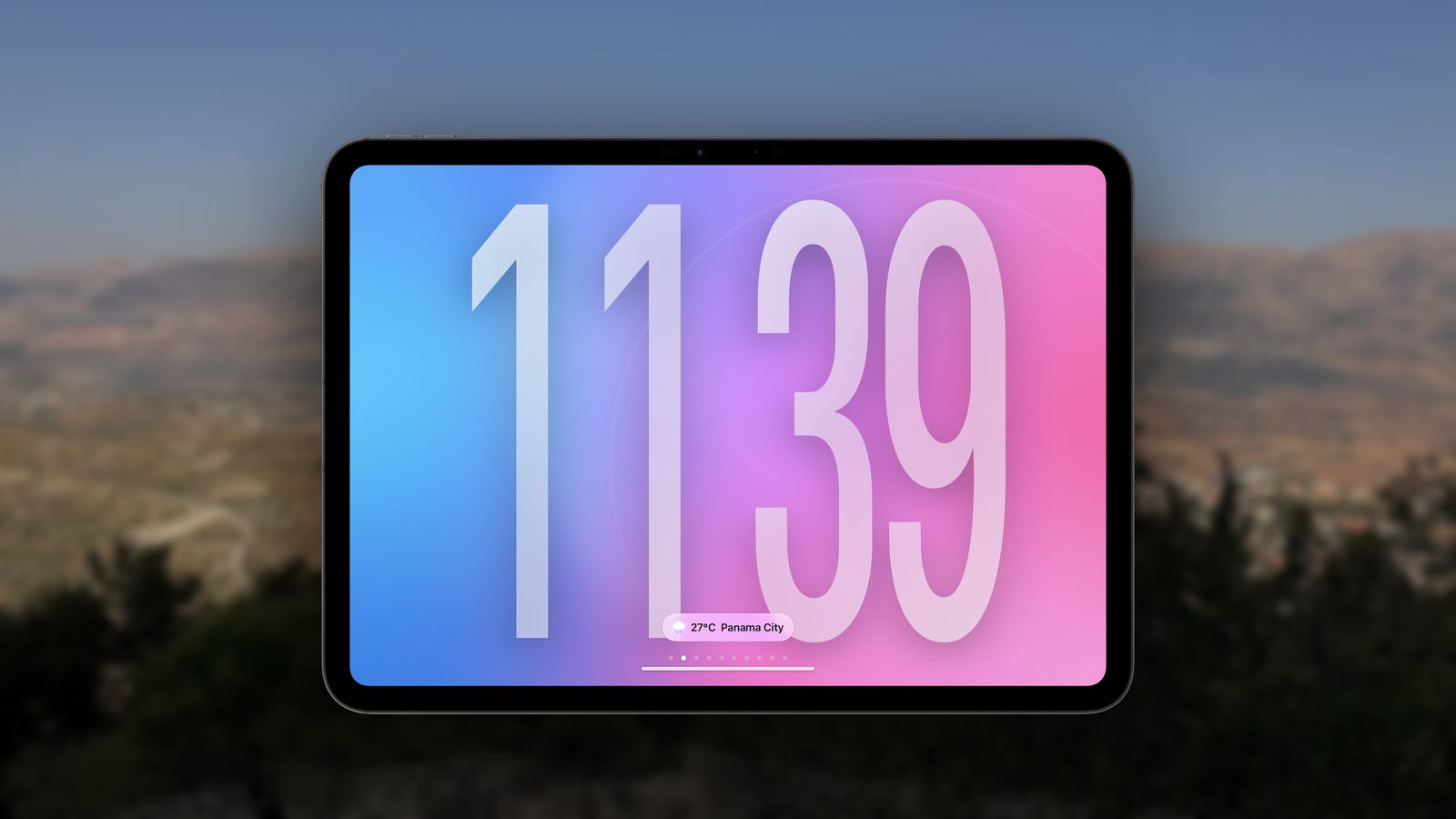
Liquid Glass numerals over any photo
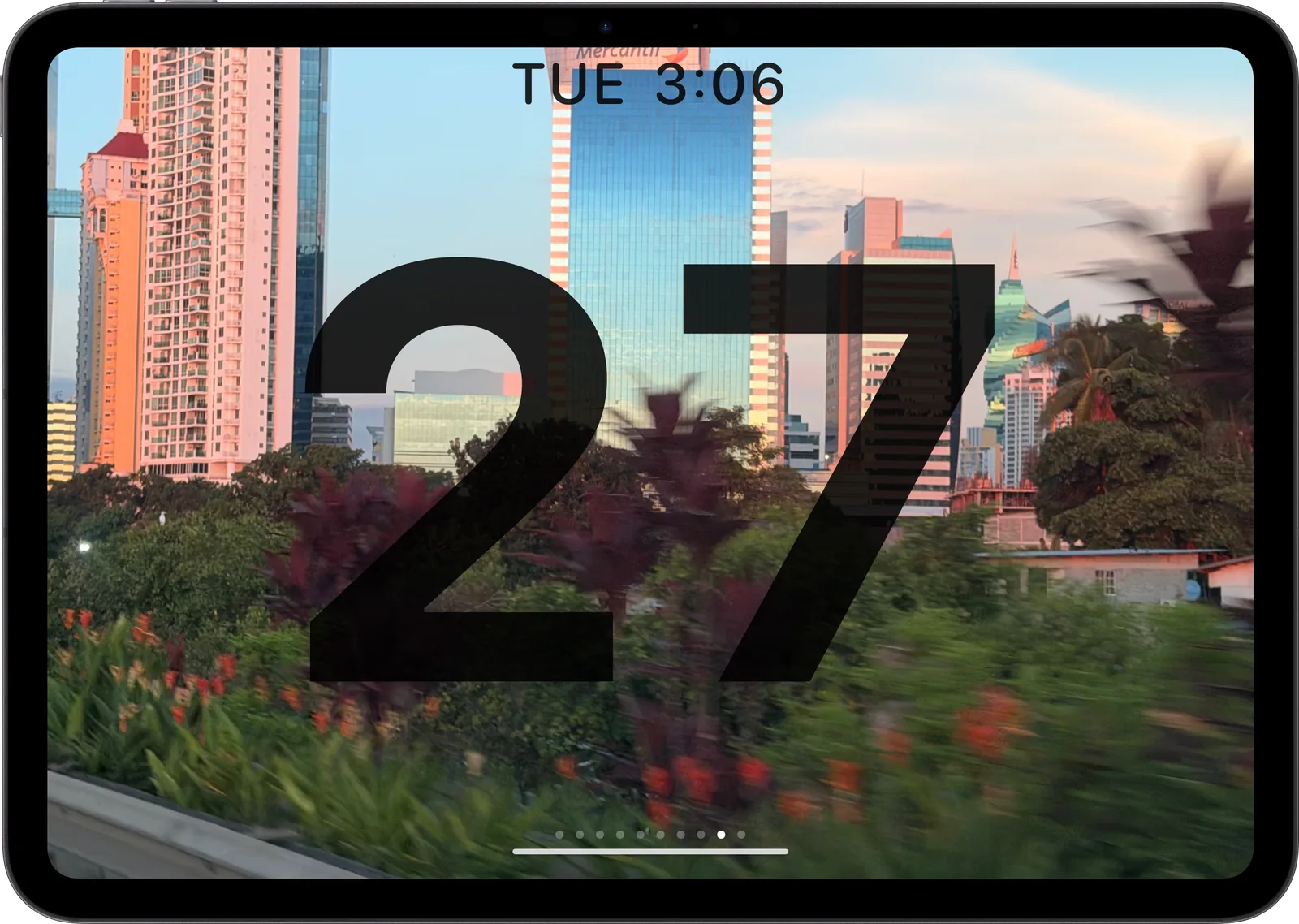
Date
Readable from across the room
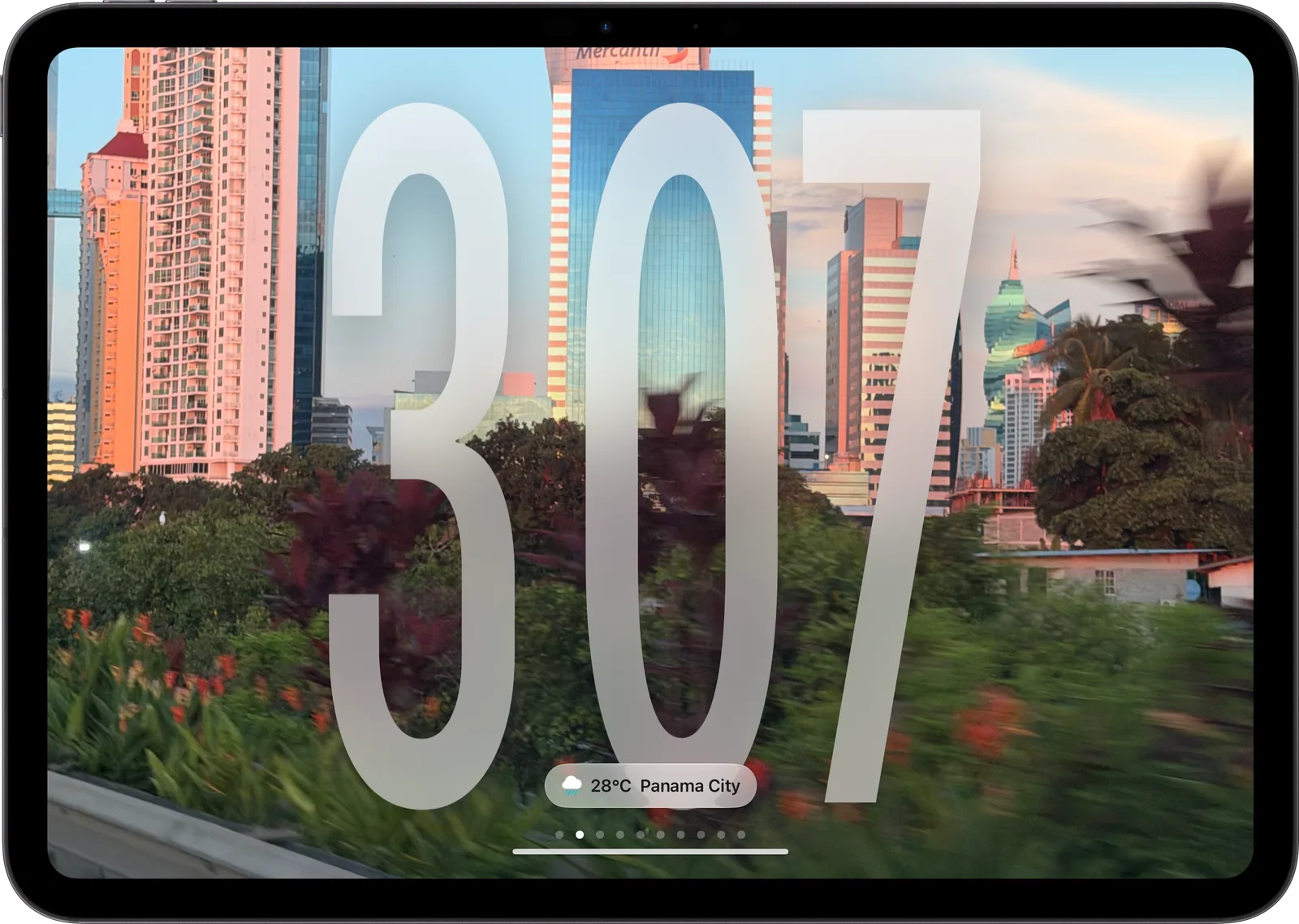
Numerals
Bold colour, your accent
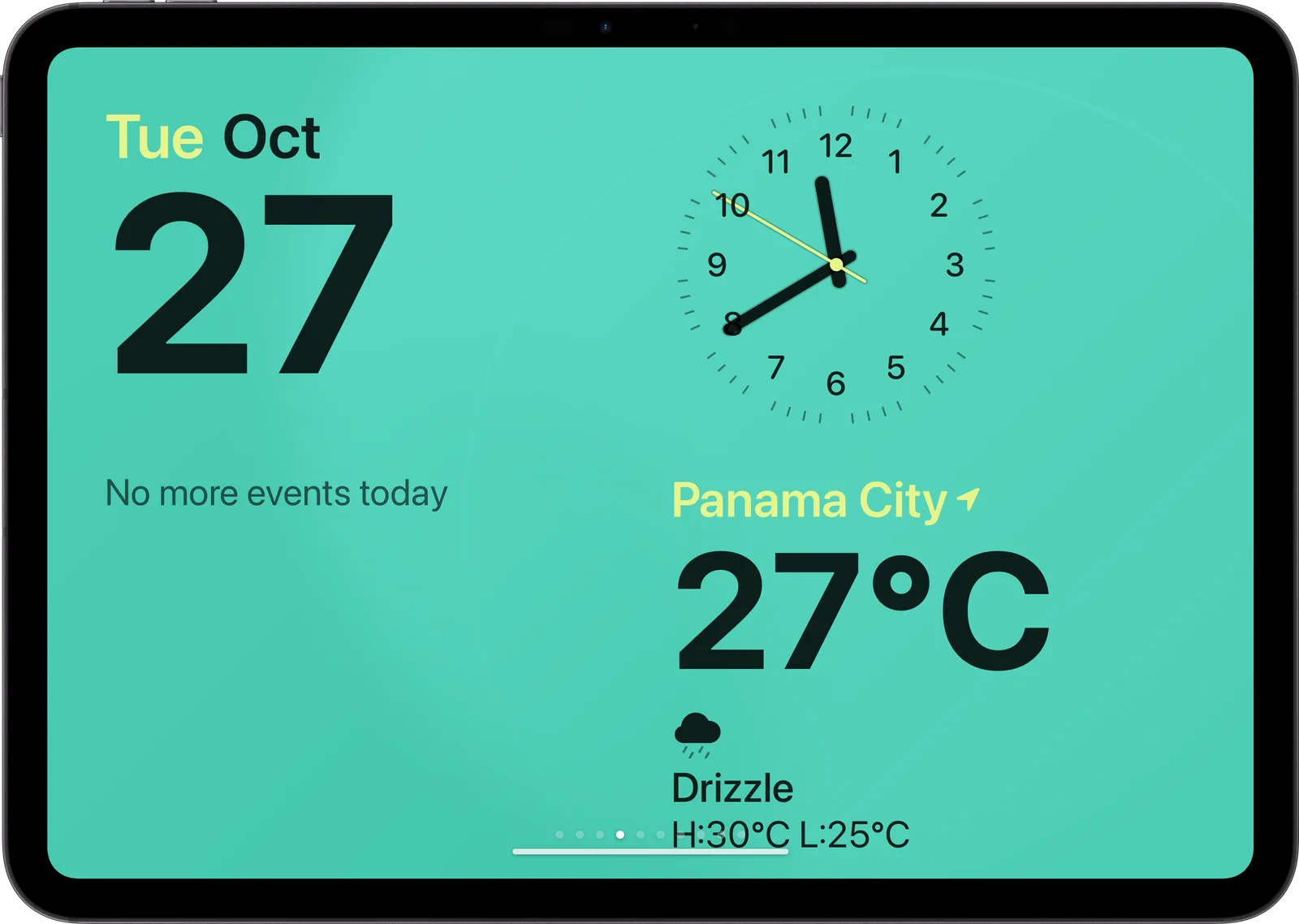
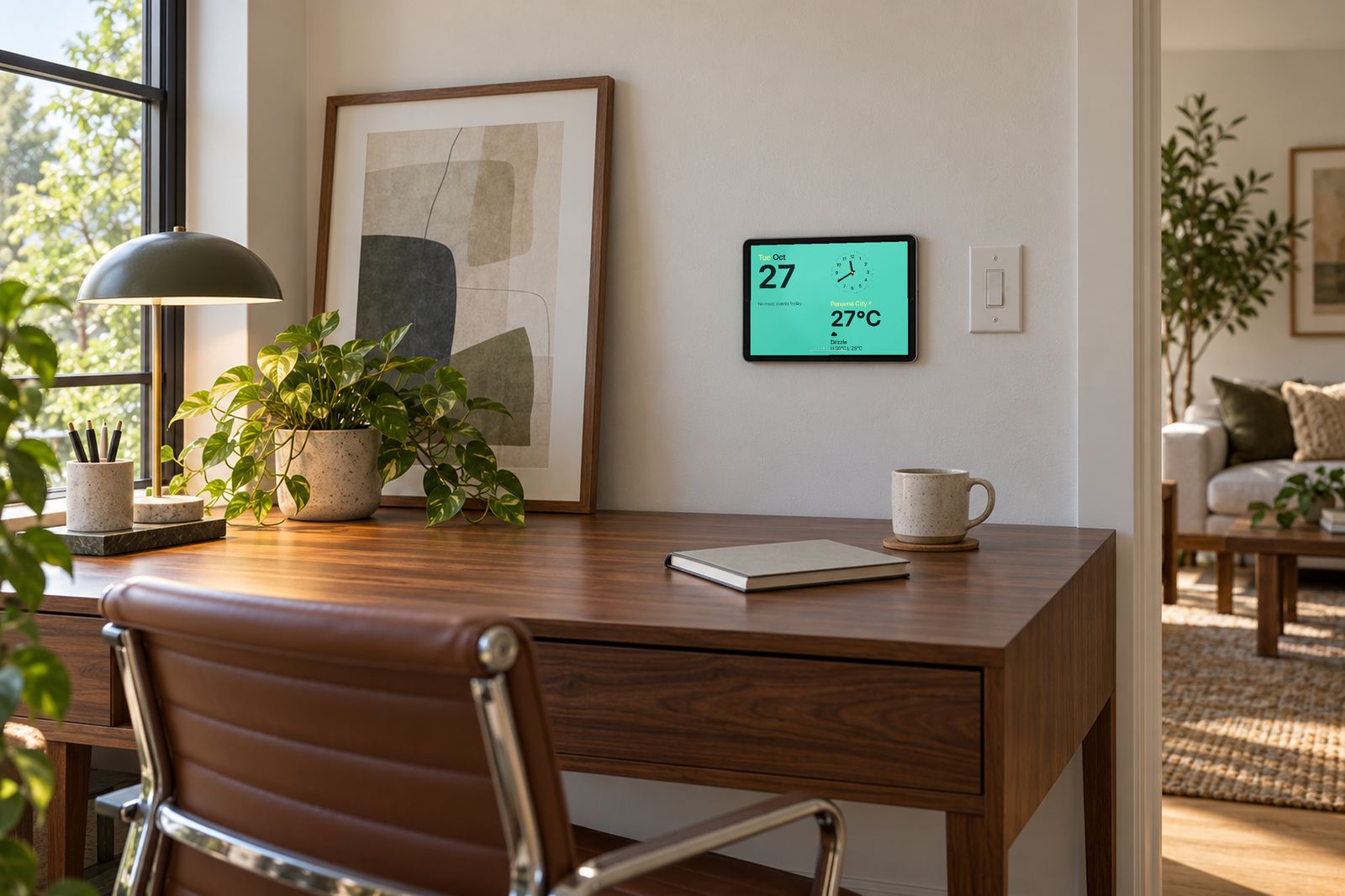
Today
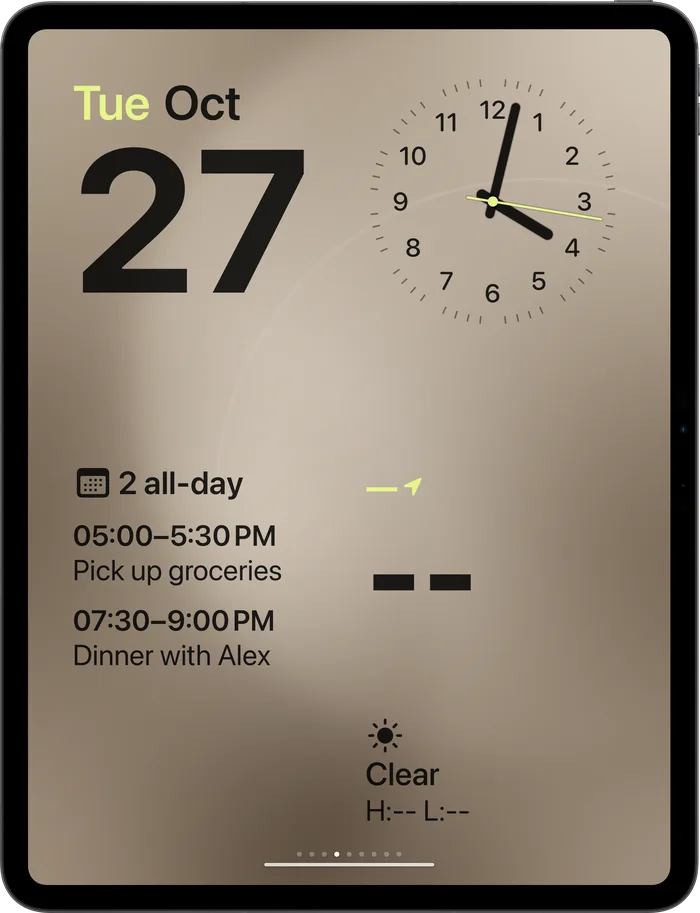
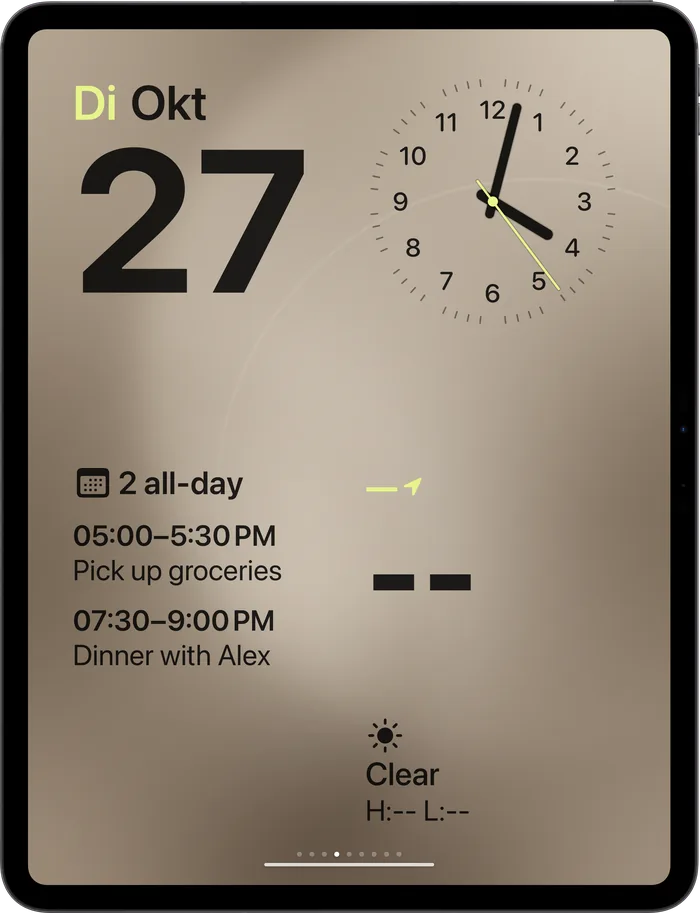
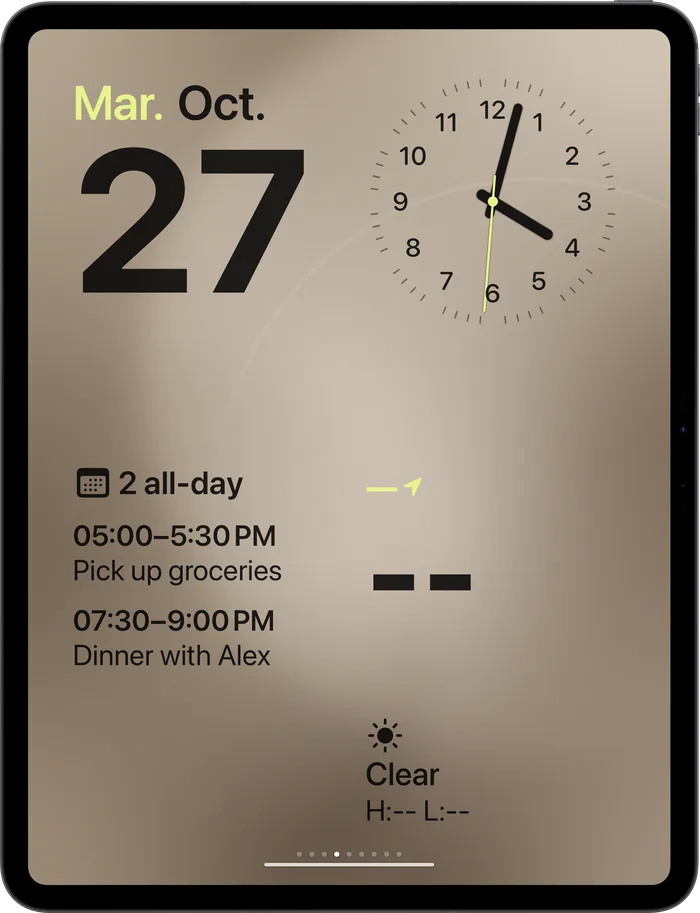
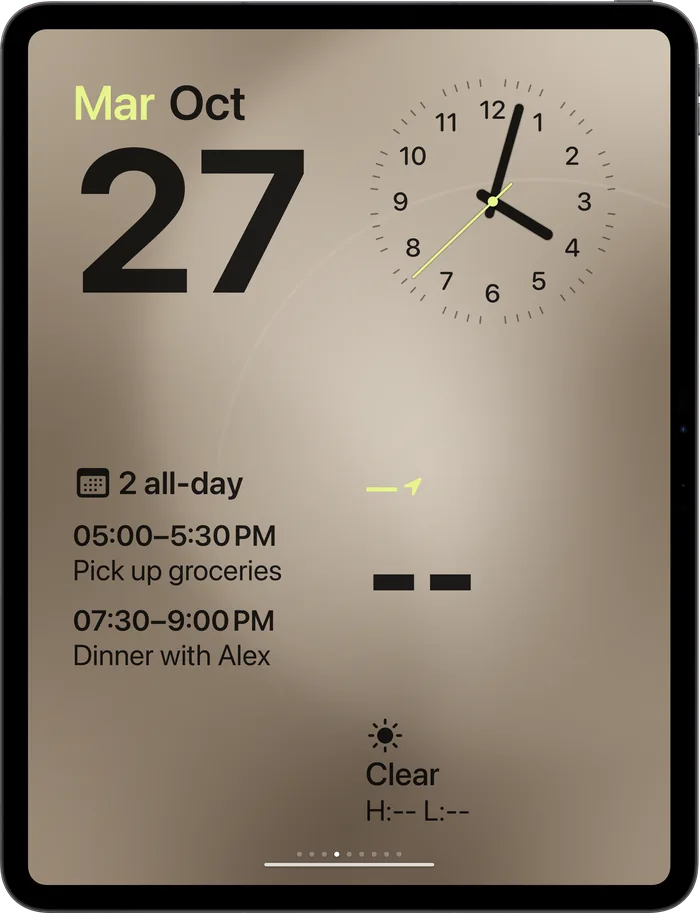
Date, agenda and weather
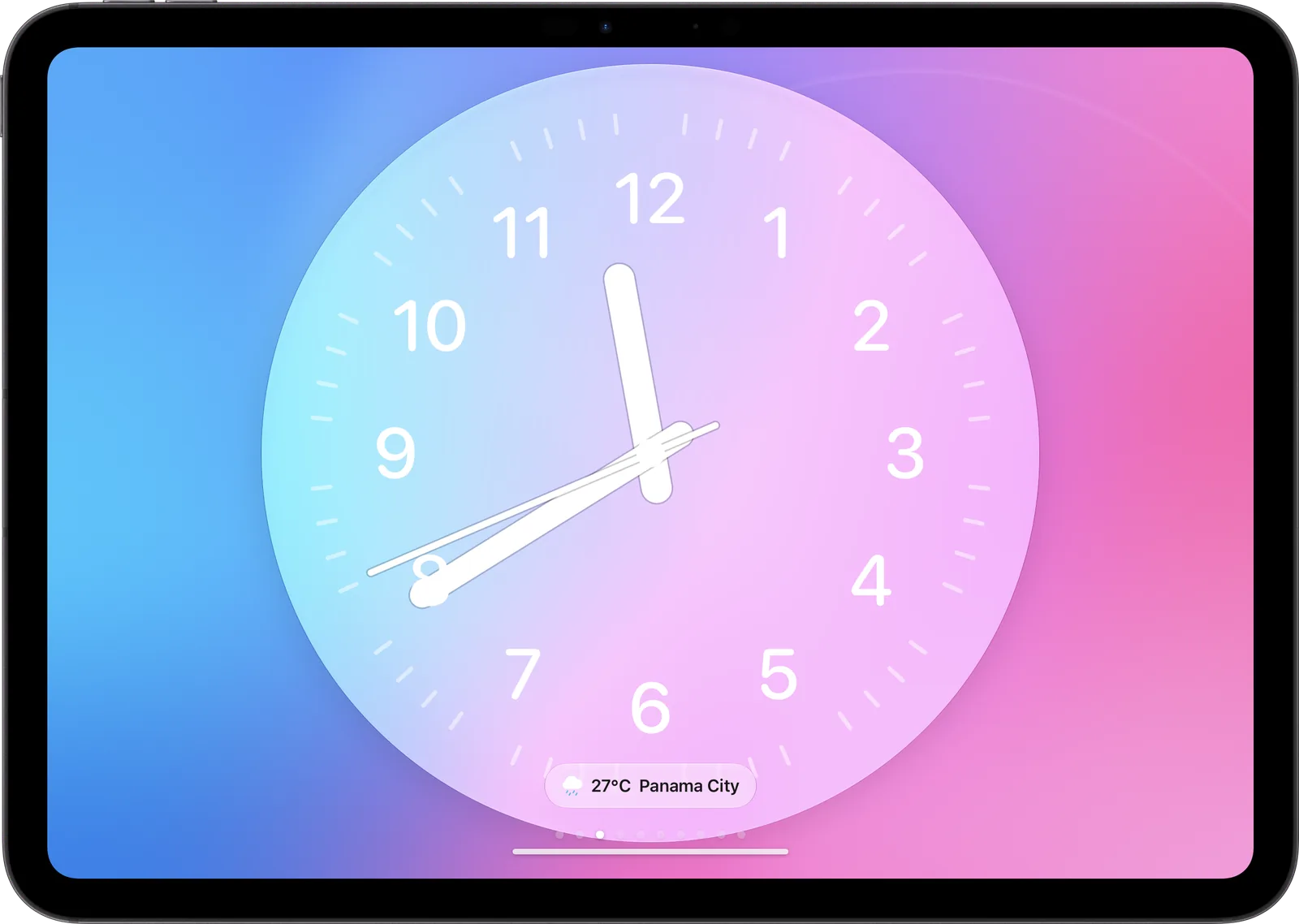
Analog
Sweeping second hand
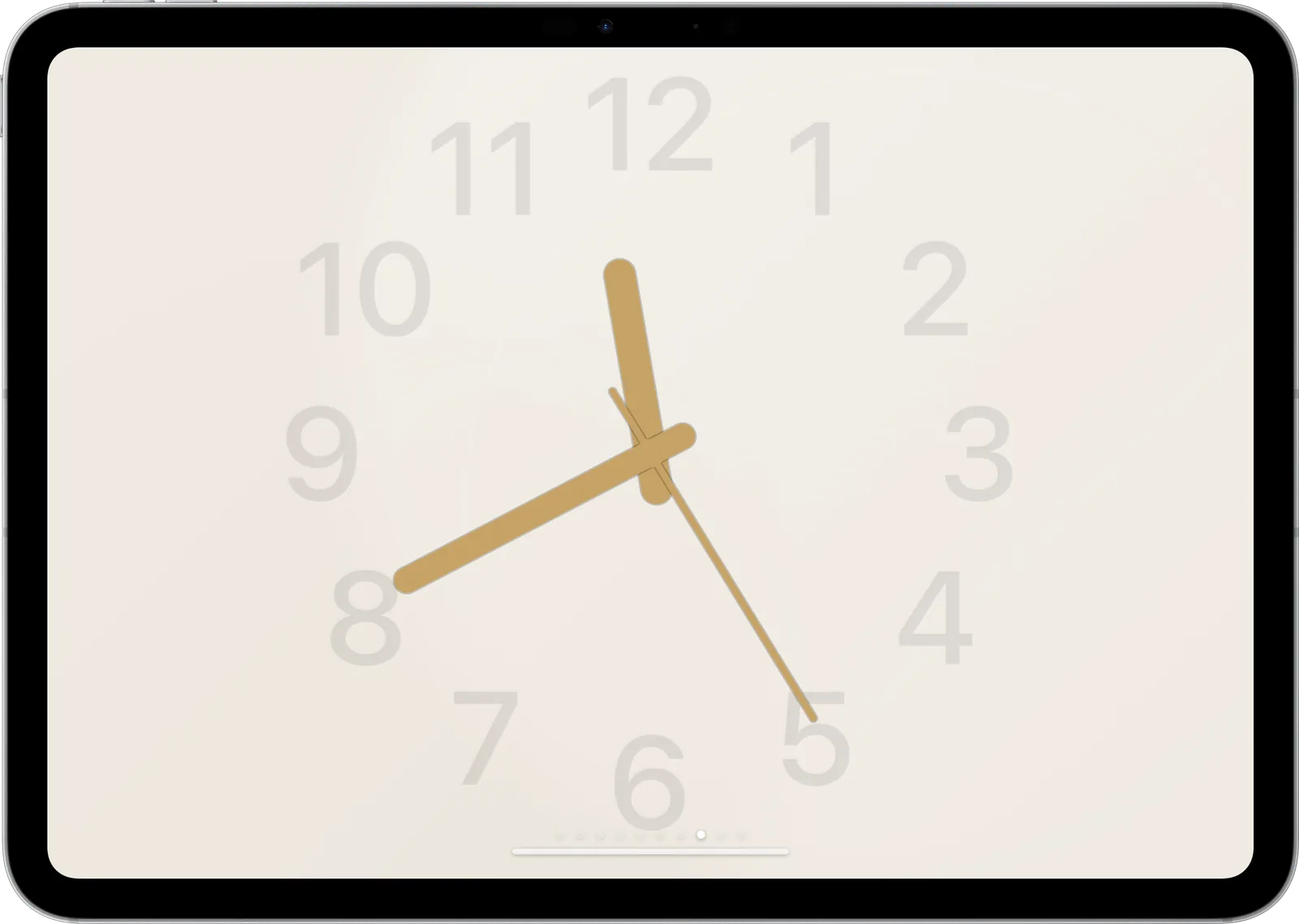
Classic
Quiet and warm
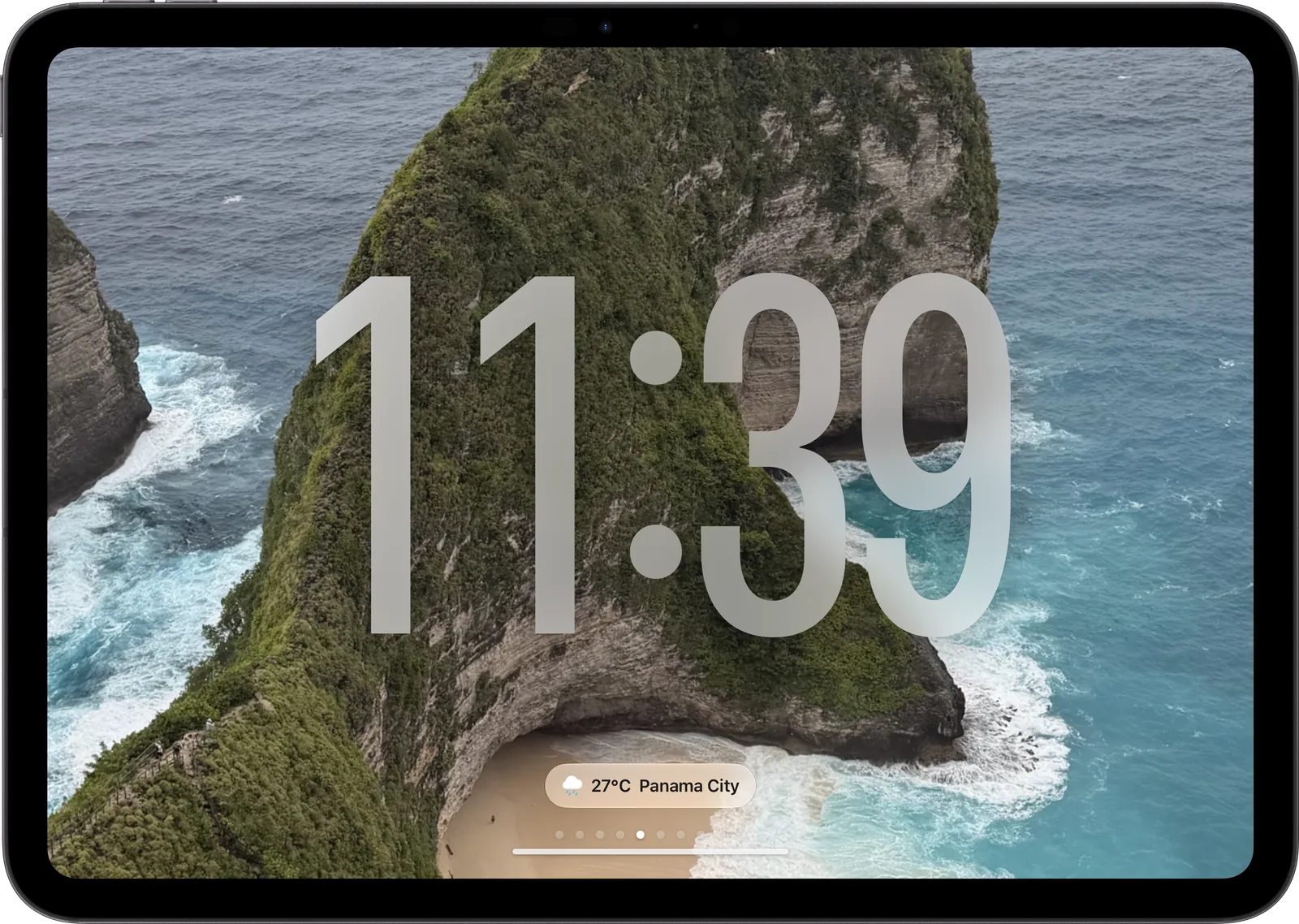
Photos
Your albums, cycling
Take a closer look.
Everything on a face is one gesture away.
Swipe sideways
Move between the faces you enabled. The page dots show where you are.
Long-press to customise
Wallpaper, accent colour, numerals and the sweeping second hand, per face.
Complications
Weather, your home's status, the next event or what's playing, as small glass chips.
Swipe up for apps
Home, cameras, timers, weather, calendar and more live behind every face.
Everyday
Help all over the house.
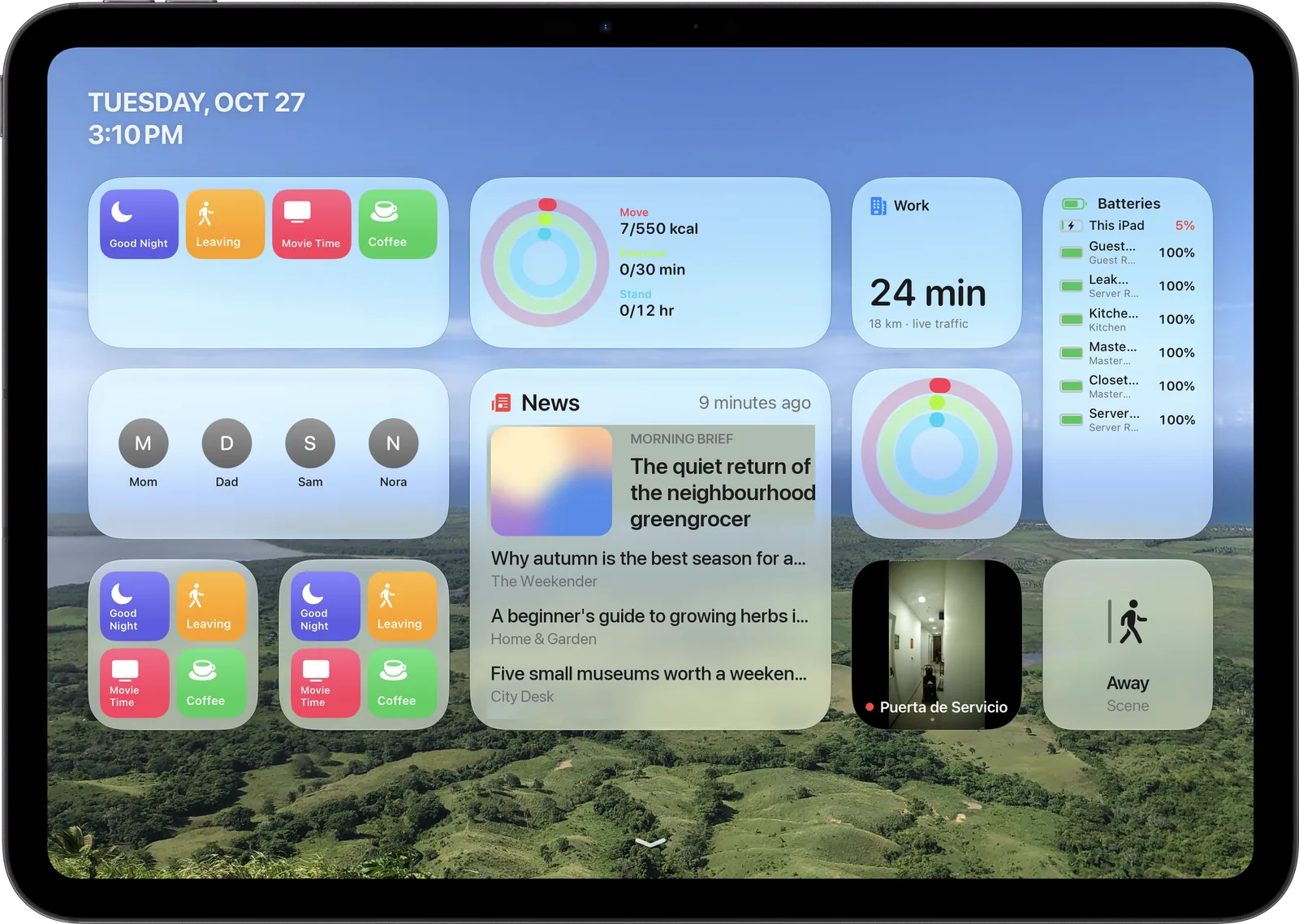
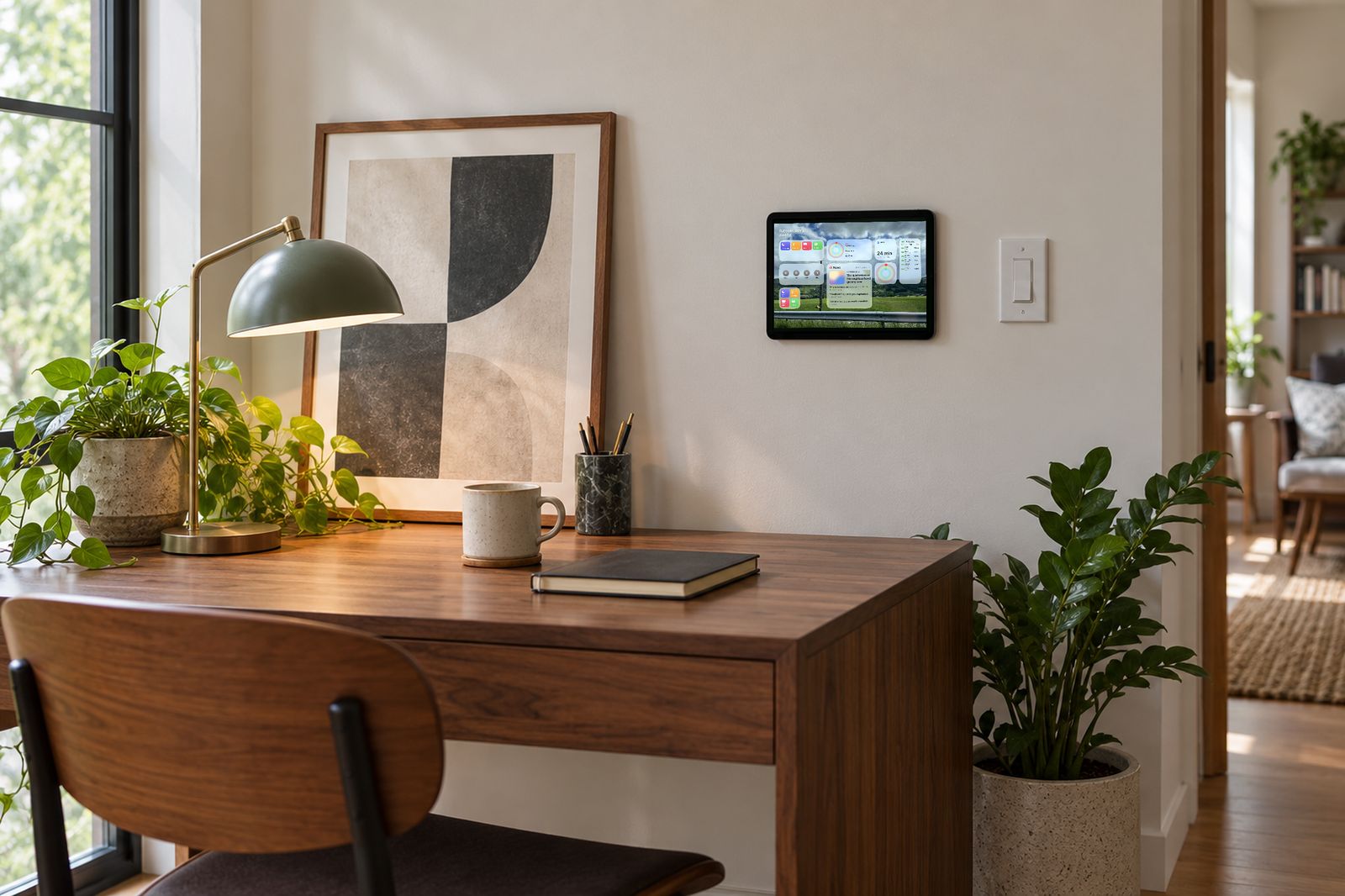
Behind every face sits a Home Screen of widgets and apps for the whole family.
Glanceable widgets
Fitness rings, commute time with live traffic, news headlines from feeds you choose, and the battery of every device.
Family
FaceTime and Contacts tiles for the people you call most. Shortcuts for the routines you run most.
Little helpers
Timers for the kitchen, alarms for the bedroom, a world clock for the office, weather and calendar for the hallway.
The day, before you step out.
Hourly and ten-day forecasts, and your calendars, right on the wall.
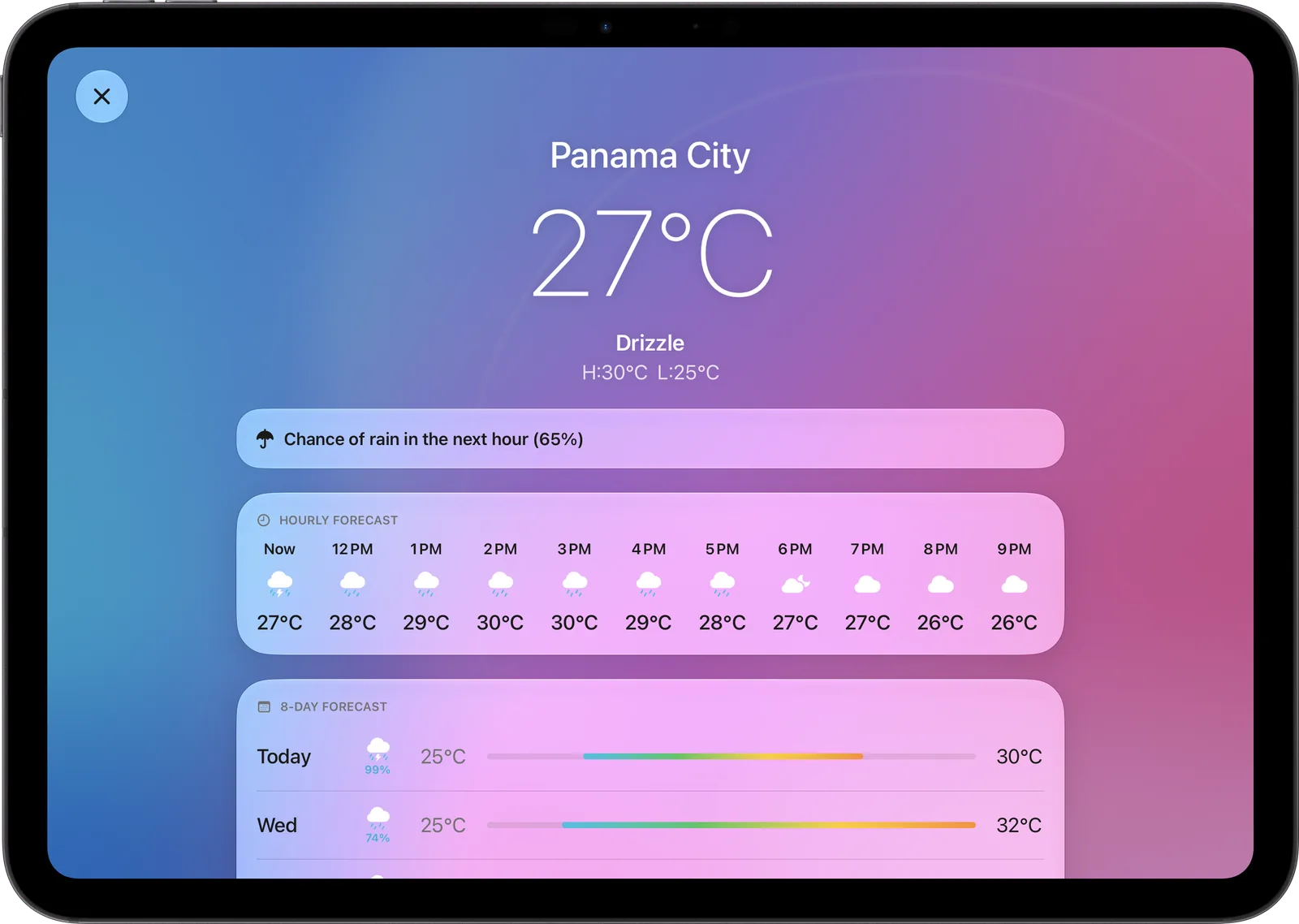
Weather 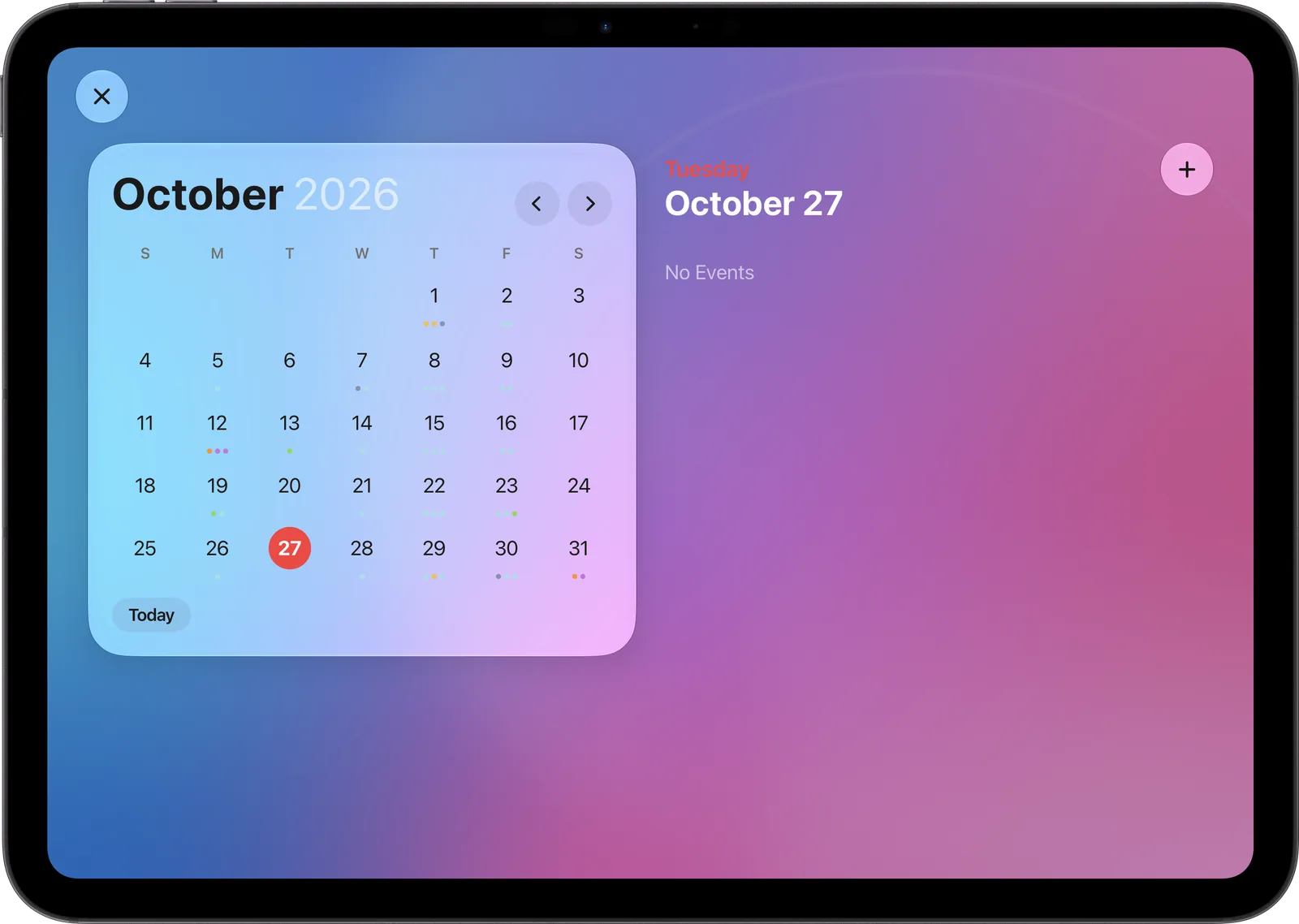
Calendar 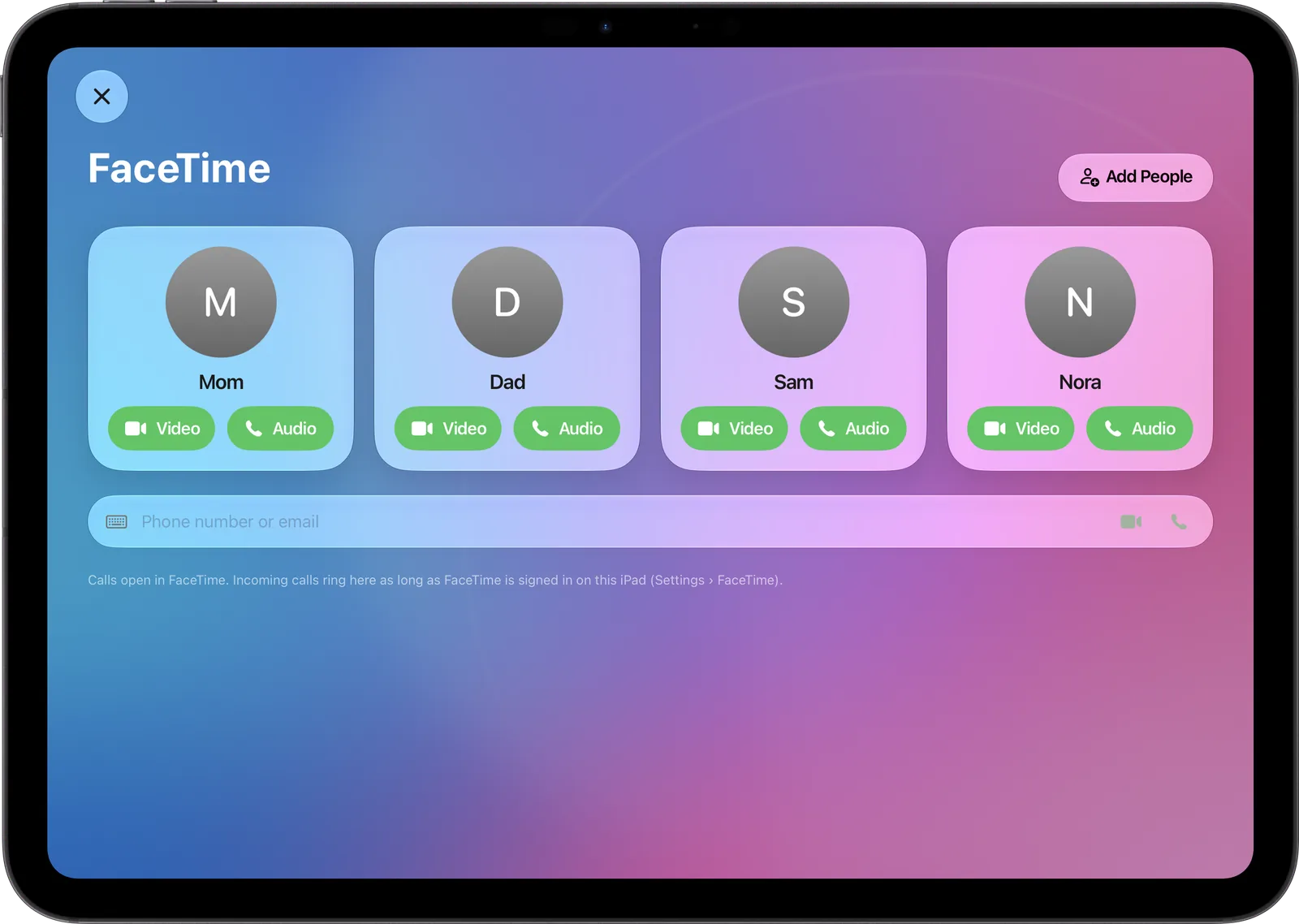
FaceTime 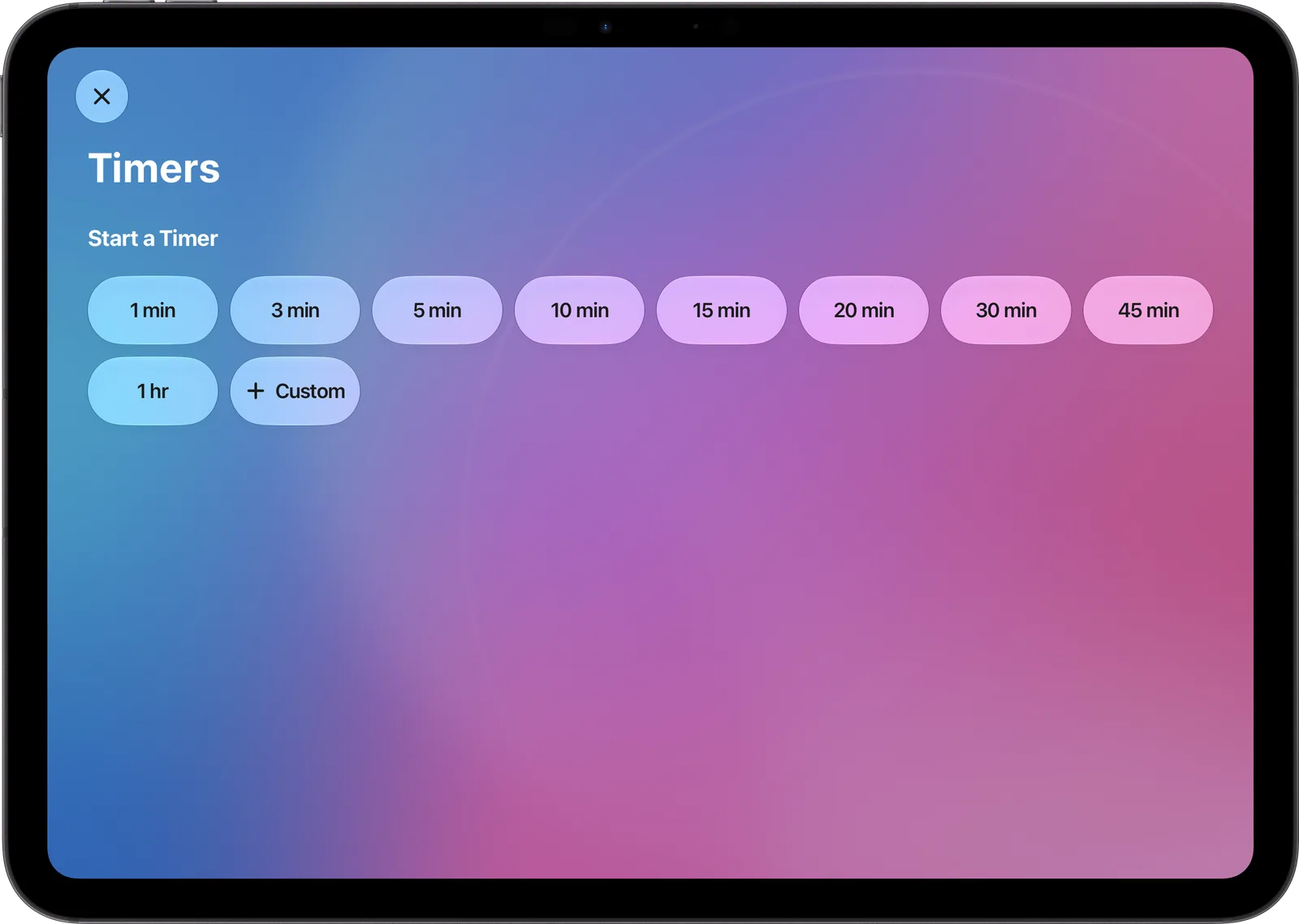
Timers 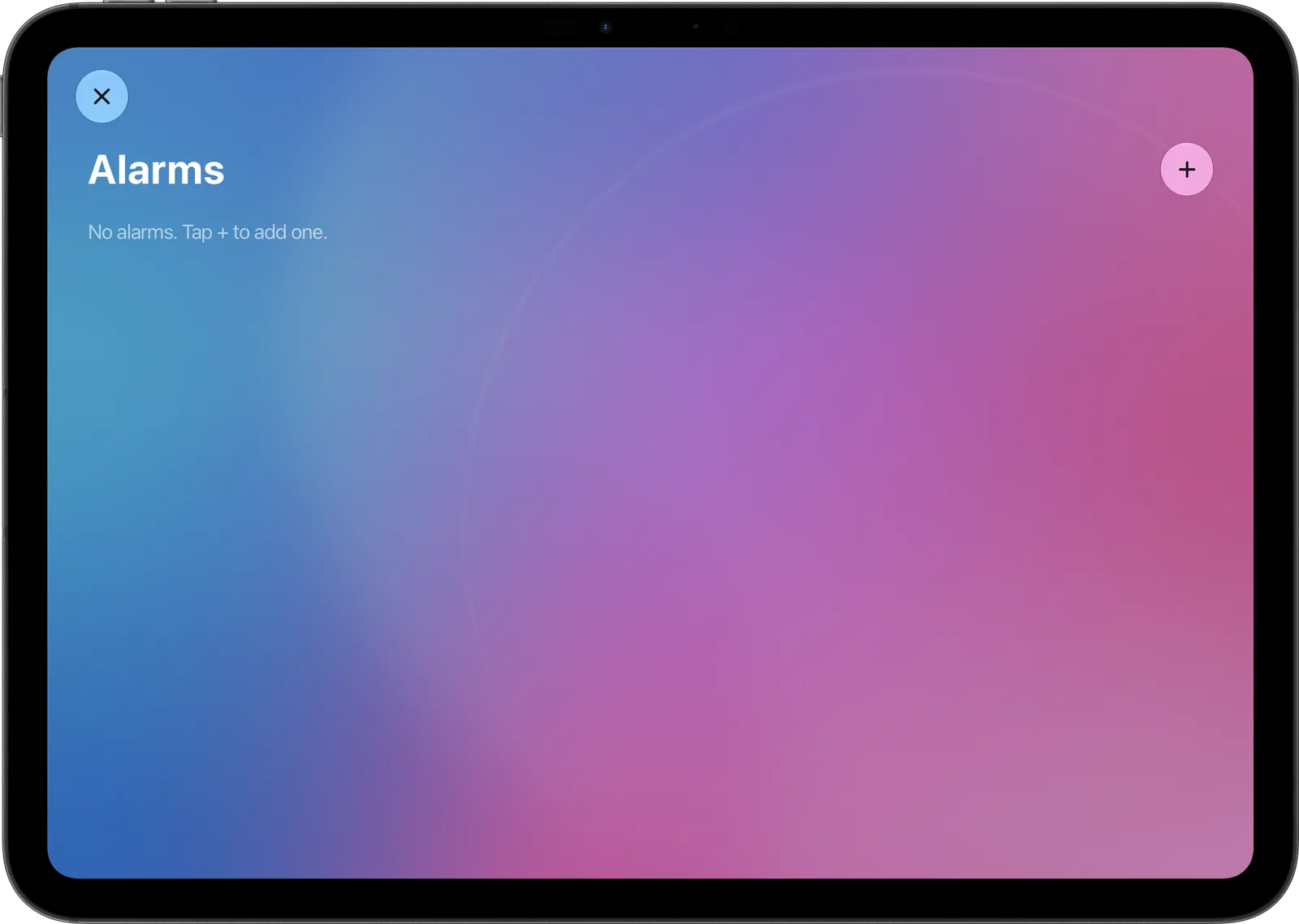
Alarms 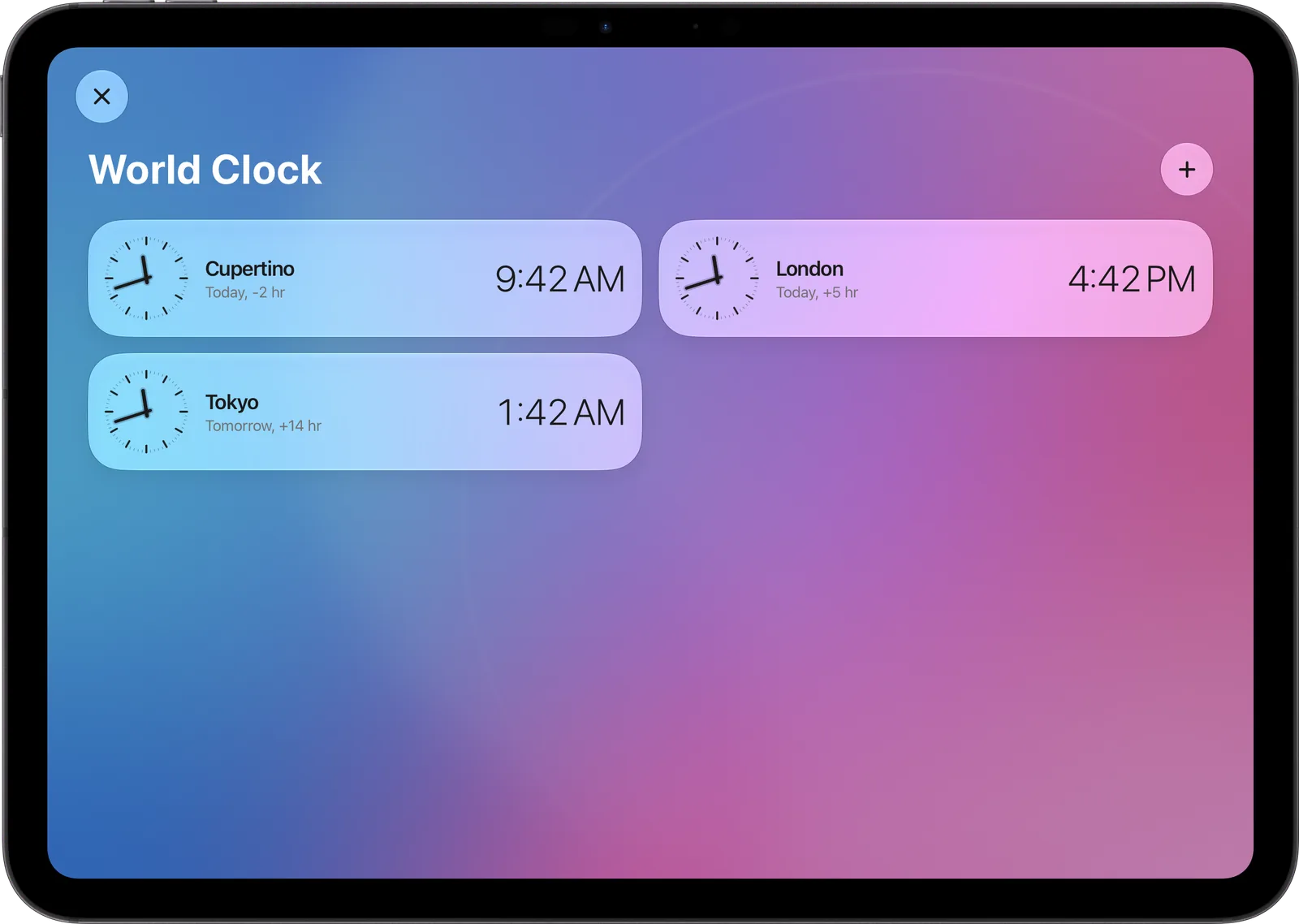
World Clock
Easy on the eyes at night.
Faces dim after dark and the screensaver takes over when nobody is around. A tap brings everything back. Alarms and timers still ring.
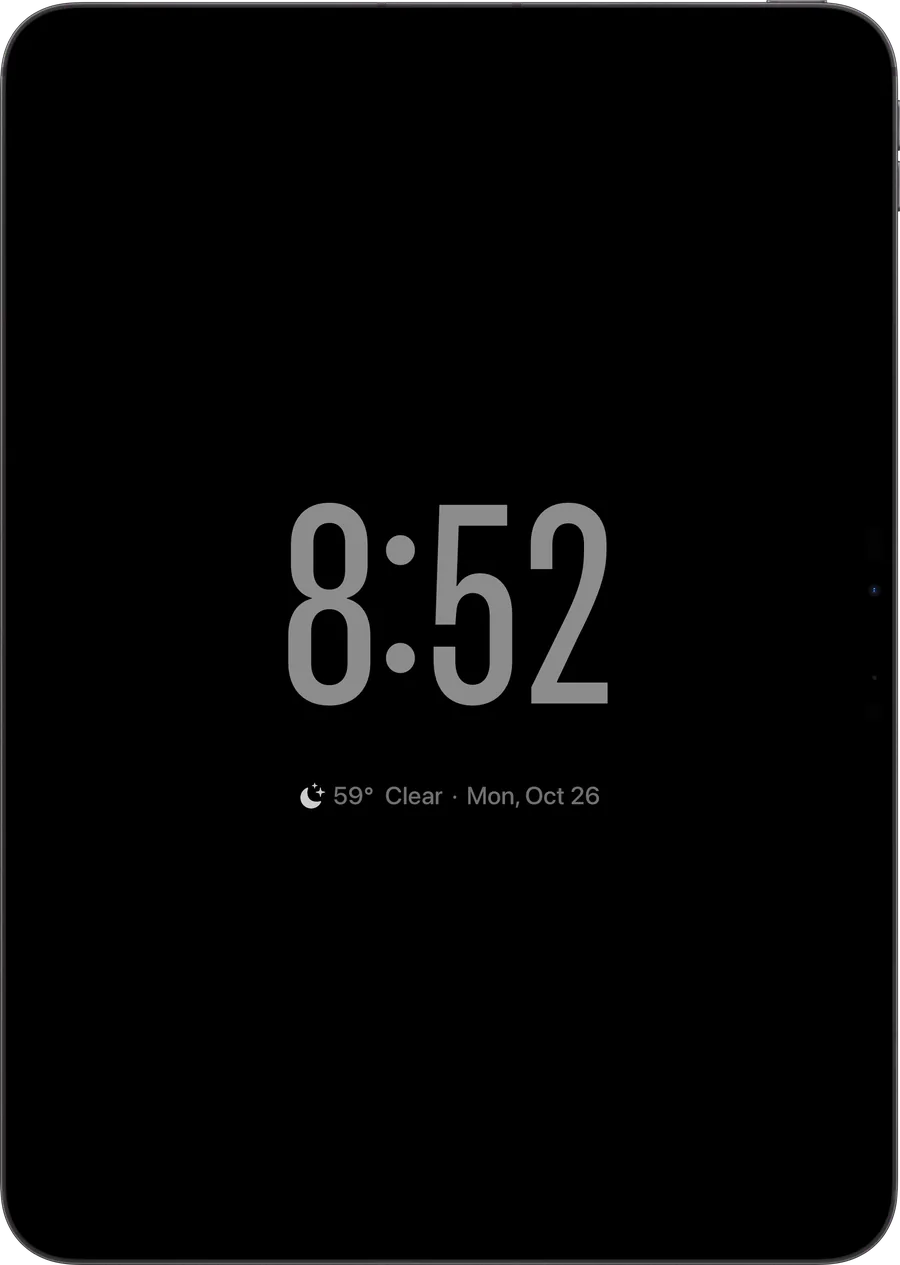
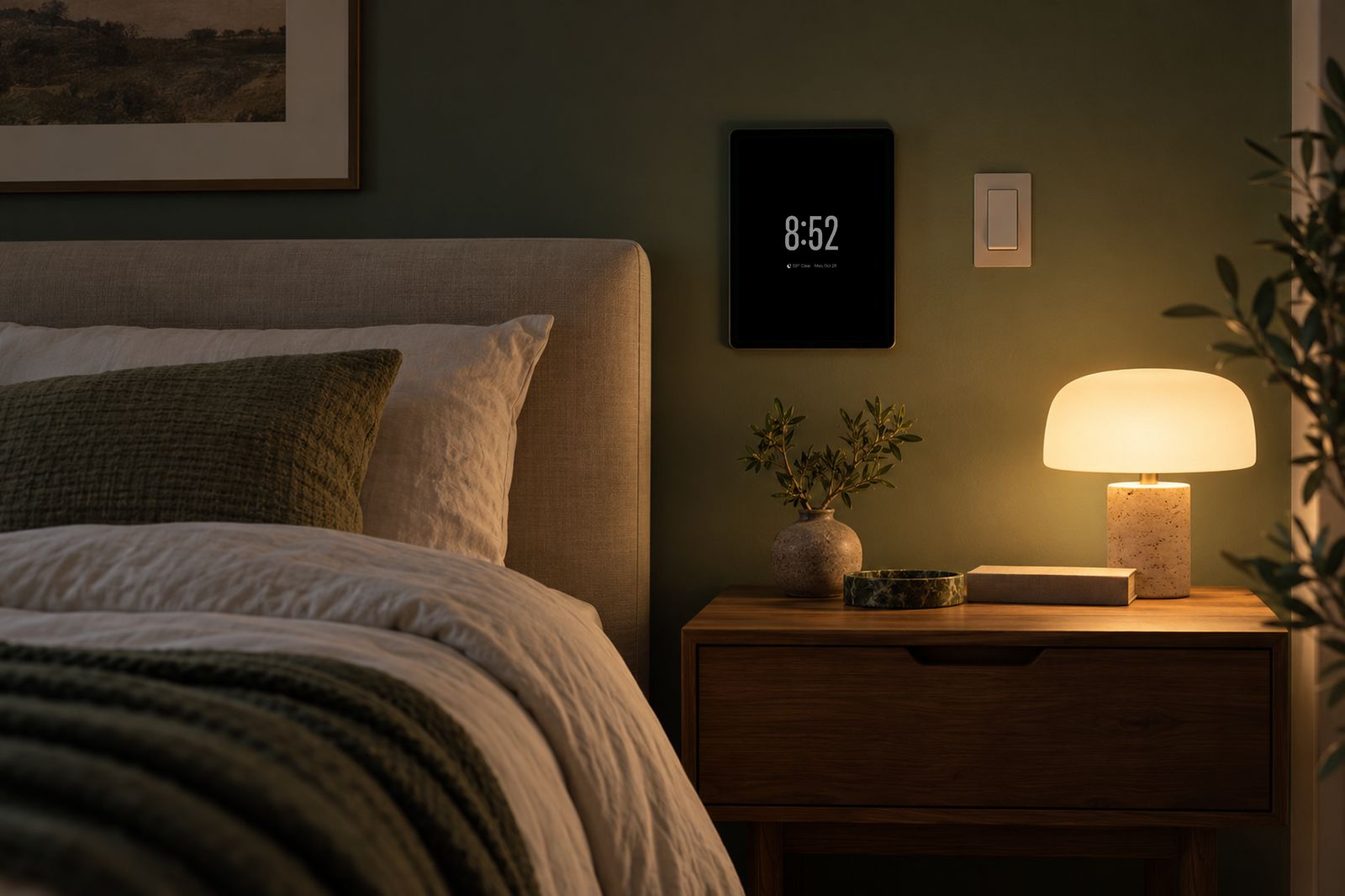
Hang it either way.
Portrait or landscape, every face and the Home Screen re-flow to fit.
At home in any room.
An old iPad, a wall mount and a power cable. That is the whole installation.
Speaks your language.
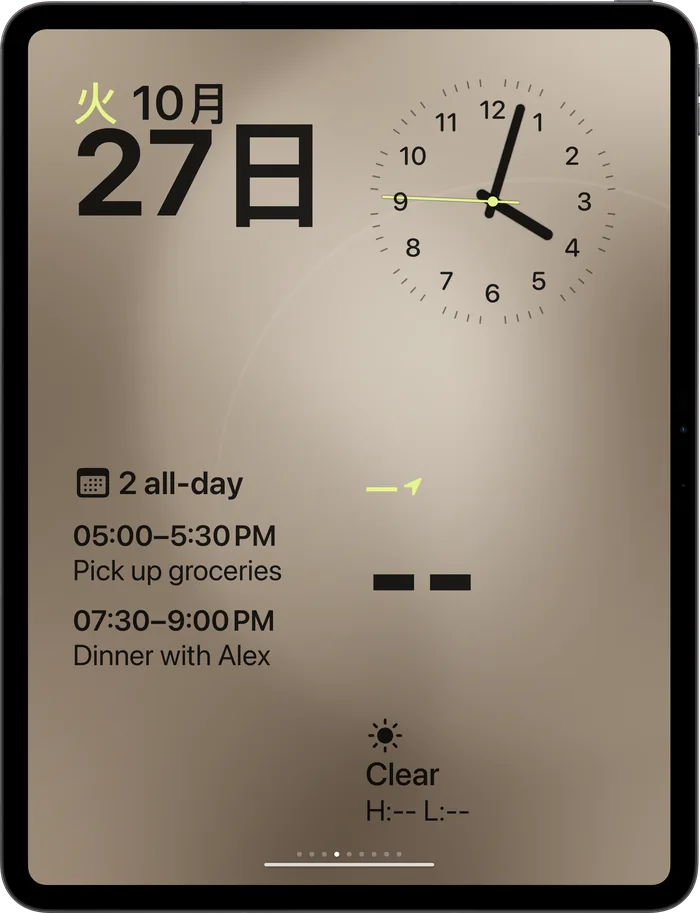
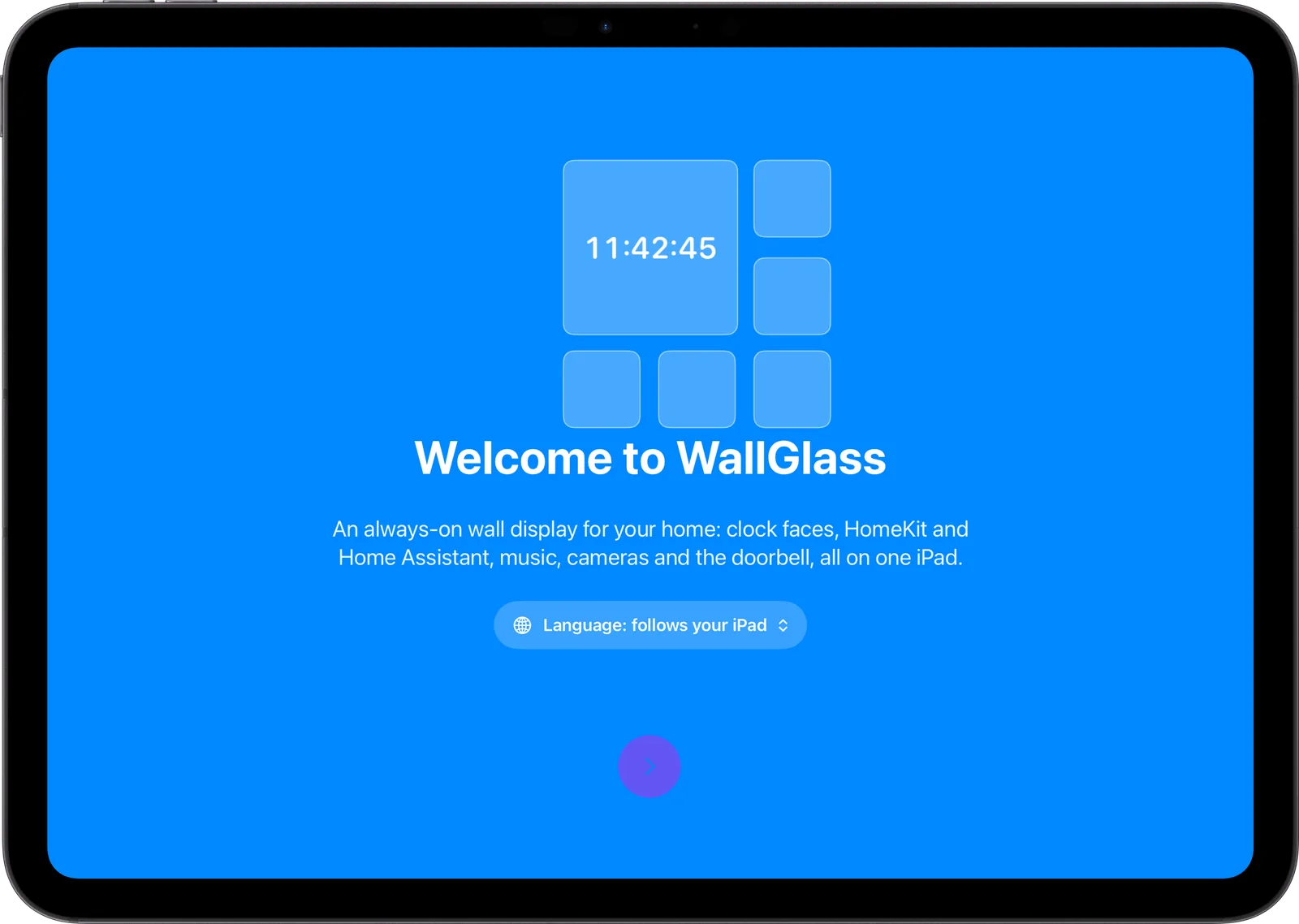
English, Deutsch, Français, Español, Italiano, Português, 日本語, 한국어, 简体中文 and Русский. Follows the iPad's language, or pick one in Settings.
Privacy
Private by design.
WallGlass runs entirely on your iPad. Nothing is sent to the developer.
0 servers
Your home, calendar, photos and health data are read on the iPad and go nowhere else.
0 accounts
No sign-up, no login, no e-mail. Install and start.
0 analytics
No tracking, no crash reporters, no ads. Purchases are handled by Apple.
Set up in minutes.
A short tour explains every permission before iPadOS asks for it. Allow what you want, skip what you don't. Nothing is required to start.
WallGlass Pro
Free or Pro.
Start free. Upgrade when you want every face and every dashboard.
Monthly
$0.99
per month
Cancel any time.
Yearly
$8.99
per year
One-week free trial. Save 24%.
| What you get | Free | Pro |
|---|---|---|
| Clock faces | First face | All eight, no watermark |
| HomeKit home | Included | Included |
| Home Assistant dashboards | One | Up to three |
| Music on the wall | 20 minutes a day | Unlimited |
| Album wallpapers | — | Included |
| Default AirPlay speaker | — | Included |
| Widgets, apps, cameras, doorbell | Included | Included |
| Privacy: no servers, no accounts | Always | Always |
Prices in US dollars; local pricing is shown in the App Store. Subscriptions renew automatically unless cancelled at least 24 hours before the end of the current period, and are managed in your Apple Account settings. See the Terms of Use.
Questions? Answers.
Which iPad do I need?
Any iPad running iPadOS 26 or later. An older iPad you already own is ideal. WallGlass keeps it awake while it is on power.
Do I need an account?
No. There is no sign-up and no login. HomeKit comes from the Apple Account already on the iPad. Home Assistant uses a token you paste in once.
Does it work without HomeKit?
Yes. The clock faces, photos, weather, calendar, timers and Home Assistant dashboards all work on their own.
What do I need for Home Assistant?
Home Assistant 2023.4 or later and a long-lived access token from your profile page. WallGlass finds the server on your network, or you type the URL.
What does Pro cost?
$0.99 a month or $8.99 a year with a one-week free trial. The first face and your HomeKit home stay free.
How do I mount it?
Any wall mount or stand for your iPad model works. Keep it on power and turn on Keep Awake in Settings. The display dims at night on its own.